Performance Menu
P/N 7010-0369 www.topconpositioning.com
2-27
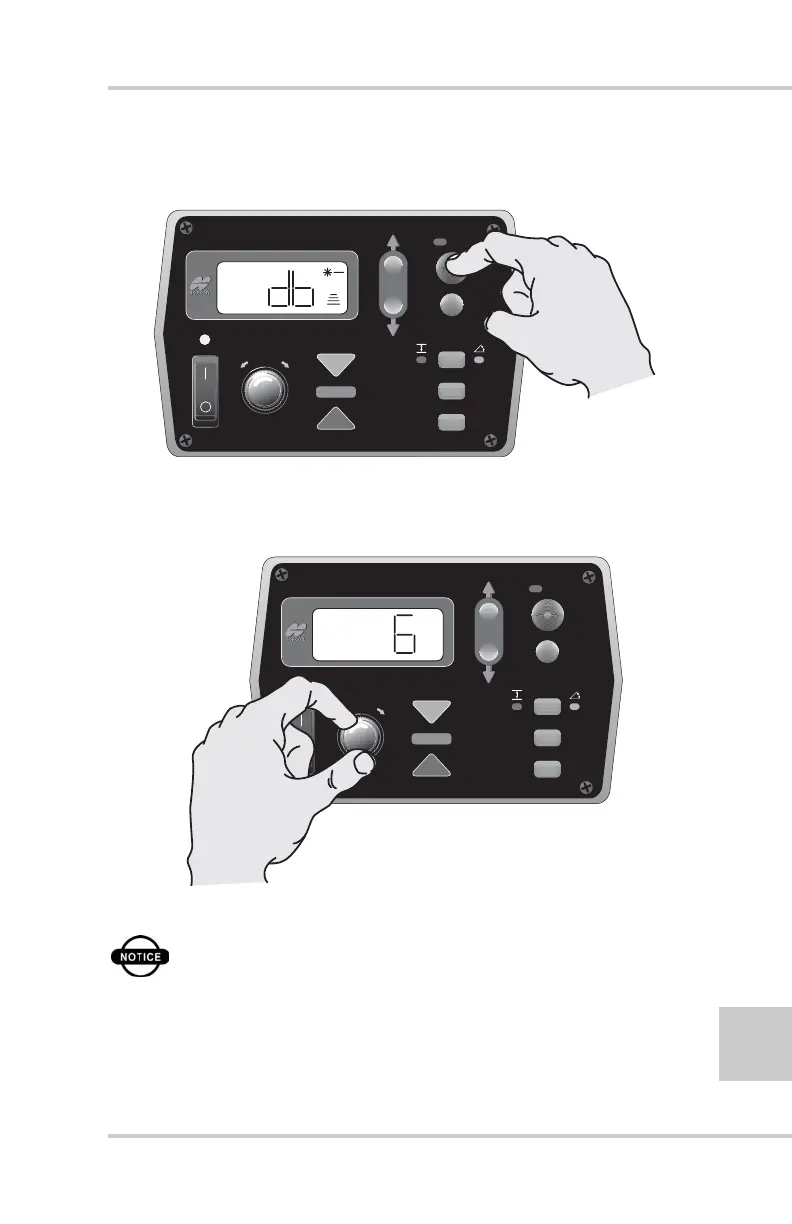
2. Press the Auto button to select the Elevation Deadband (db)
menu (Figure 2-29).
Figure 2-29. Selecting Elevation Deadband Menu
3. Turn the Grade Adjustment Knob to select the desired
value typically 6mm (0.02') (Figure 2-30).
Figure 2-30. Selecting Elevation Deadband Menu Option
NOTICE
The numeric value seen on the display is in
millimeters (3mm = .01')
FiveSystem
AUTO
SURVEY
SET
(MENU)
FiveSystem
AUTO
SURVEY
SET
(MENU)



 To Next Page