95
MAINTENANCE
6 If you want to change other items, repeat Step 2 to 5.
7 Select "Save Data" and press the . The set value is saved
and the image quality adjustment menu disappears.
When the switches are not operated for 10 seconds or more during setting, the setting
procedure is finished, the set value is saved and the image quality adjustment menu dis-
appears.
• Items and contents for image quality adjustment
Page 1
Page 2
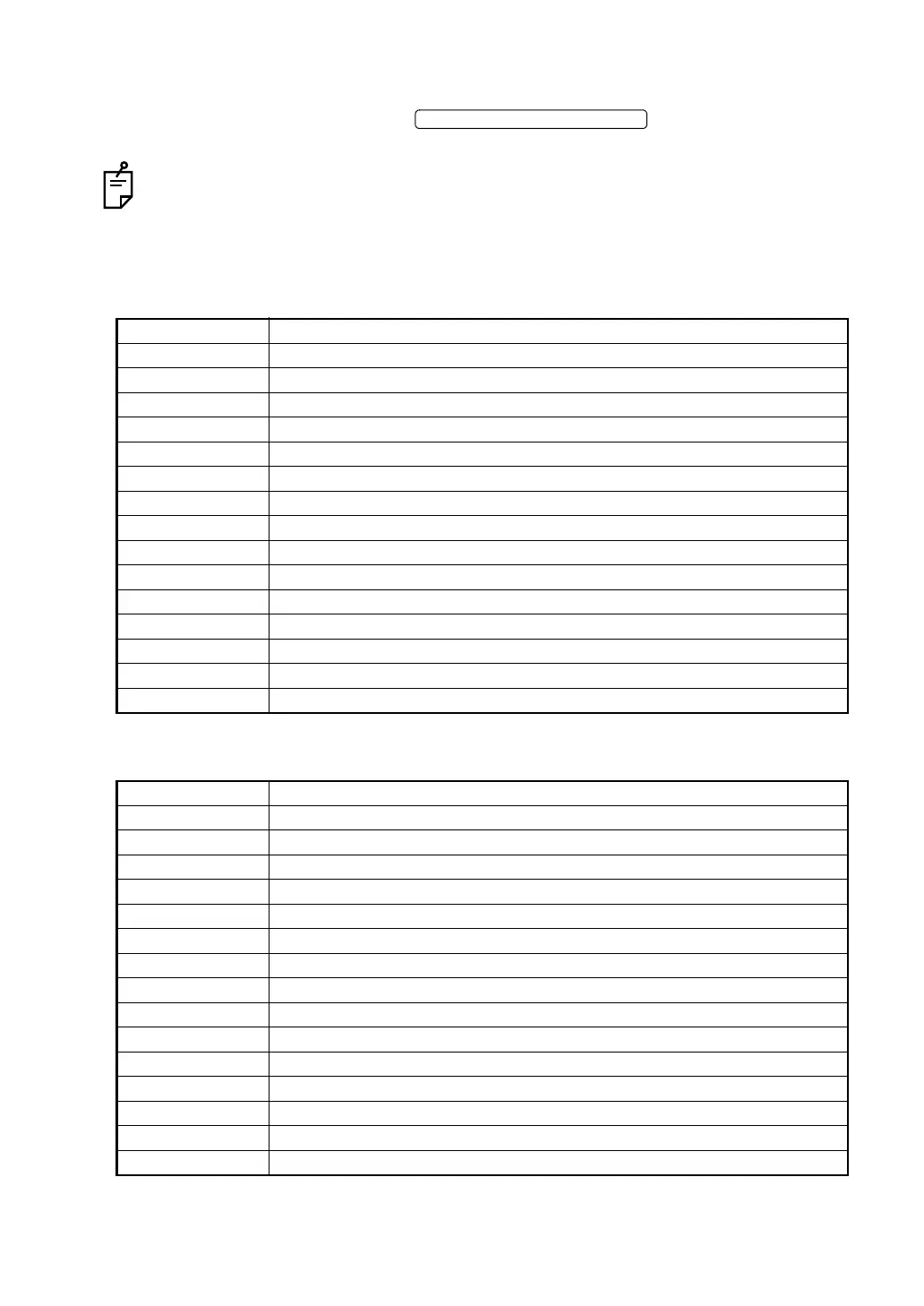
Set item Contents
Contrast Adjusts the contrast for all RGB colors.
HPosition Adjusts the horizontal position.
VPosition Adjusts the vertical position.
Htotal (clock) Sets the horizontal total number.
Phase Sets the phase. (Glimmer adjustment)
Contrast Red Adjusts the red contrast. (Digital setting)
Contrast Green Adjusts the green contrast. (Digital setting)
Contrast Blue Adjusts the blue contrast. (Digital setting)
Backlight Adjusts the brightness.
Auto Adjust Adjusts the position automatically.
Auto Color Adjusts the color automatically.
Default Returns the set data to the condition when shipped.
Save Data Saves the set data.
Cancel Cancels the data and erases the image quality adjustment menu.
Option Displays page 2.
Set item Contents
Red Gain Adjusts the red ADC gain. (Analog setting)
Green Gain Adjusts the green ADC gain. (Analog setting)
Blue Gain Adjusts the blue ADC gain. (Analog setting)
Red Offset Adjusts the red ADC offset. (Analog setting)
Green Offset Adjusts the green ADC offset. (Analog setting)
Blue Offset Adjusts the blue ADC offset. (Analog setting)
Filter Sets the space filter.
Gamma Sets the gamma value.
OSD HPosition Adjusts the horizontal position of the image quality adjustment menu screen.
OSD VPosition Adjusts the vertical position of the image quality adjustment menu screen.
OSD Effect Sets the transparent effect of the image quality adjustment menu screen.
OSD Time Out Sets the "OFF" time of the image quality adjustment menu screen.
Default Returns the set data to the condition when shipped.
Save Data Saves the set data.
Cancel Displays page 1.
IMAGE QUALITY MENU SWITCH















 To Next Page