EasyManua.ls Logo

Transfluid DB 2090 ST - Description of the Control and Display Elements

Default Icon
124 pages
Print Icon
To Next Page IconTo Next Page
To Previous Page IconTo Previous Page
Loading...
Control and input elements
41
6.2 Description of the control and display elements
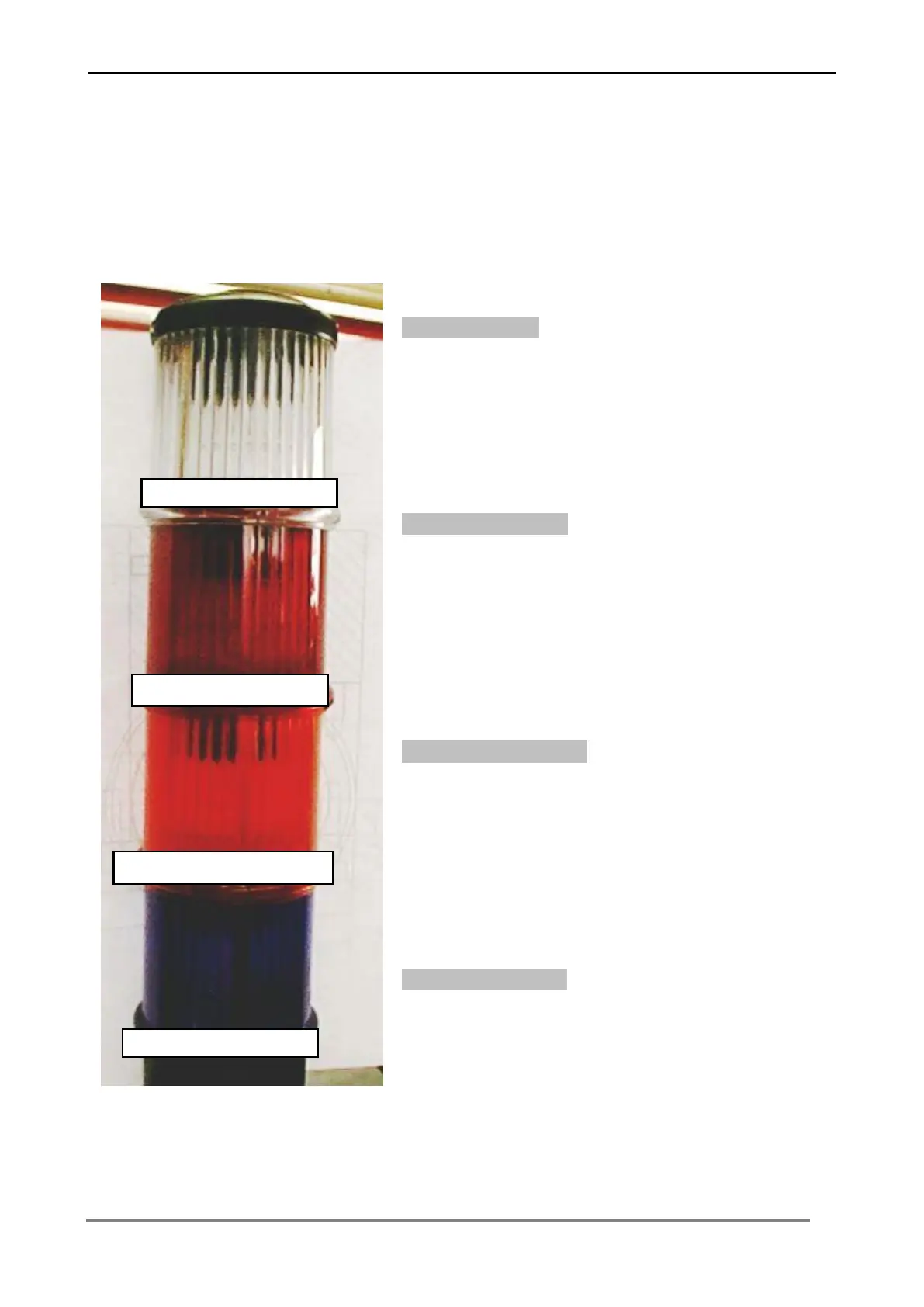
At the cabinet of the machine is an operation control light, which operating conditions
and faults of the machine signals .
Automatic activ
The control light lights up, if the machine in the is
operated in automatic operation sequence.
Safety area injured
The control light lights up, if the safety area of the
scanner is injured. The machine switches off
immediately.
Warning area injured
The control light lights up, if the warning area of the
scanner is injured. The machine reduces
automatically its rate of speed.
Scanner not active
The control light is flashing if the scanner is not
active. The safety scanner is not active in the
manual operation mode.

Automatic active
Scanner not active
0
Safety area injured
Warning area injured

Table of Contents

Related product manuals