Control and input elements
6.3 The Touch Panel
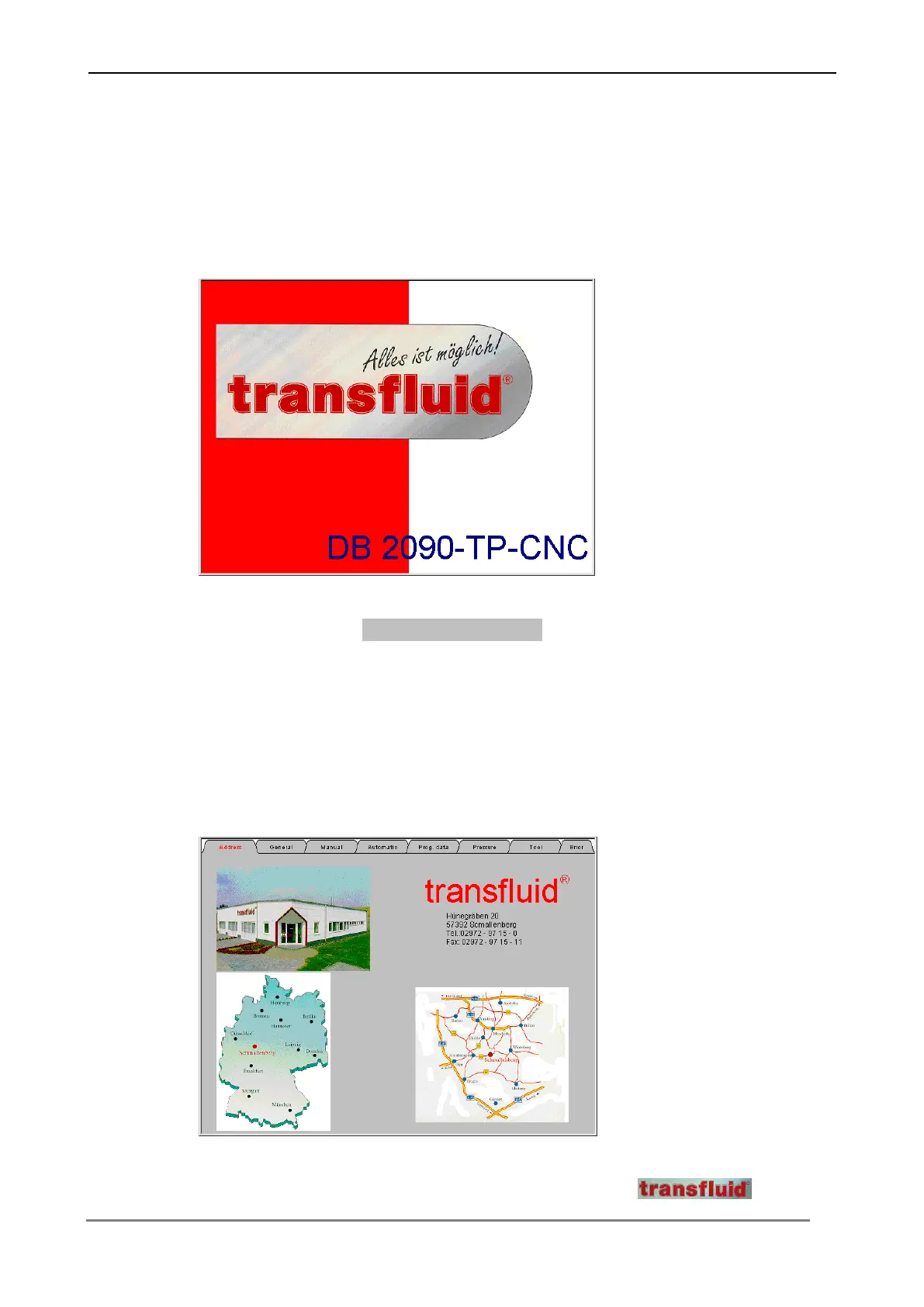
The operation of the machine is made by the Touch Panel. After each putting the
machine into operation the following starting window appears on the display.
Press the switching surface DB 2090 – TP – CNC on the screen, in order to change
into the main menu. The different menu’s will be called over the switching surfaces at
the upper edge of the screen.
6.3.1 Menu "Address"
In this menu you find general information about the company .



 To Next Page