Control and input elements
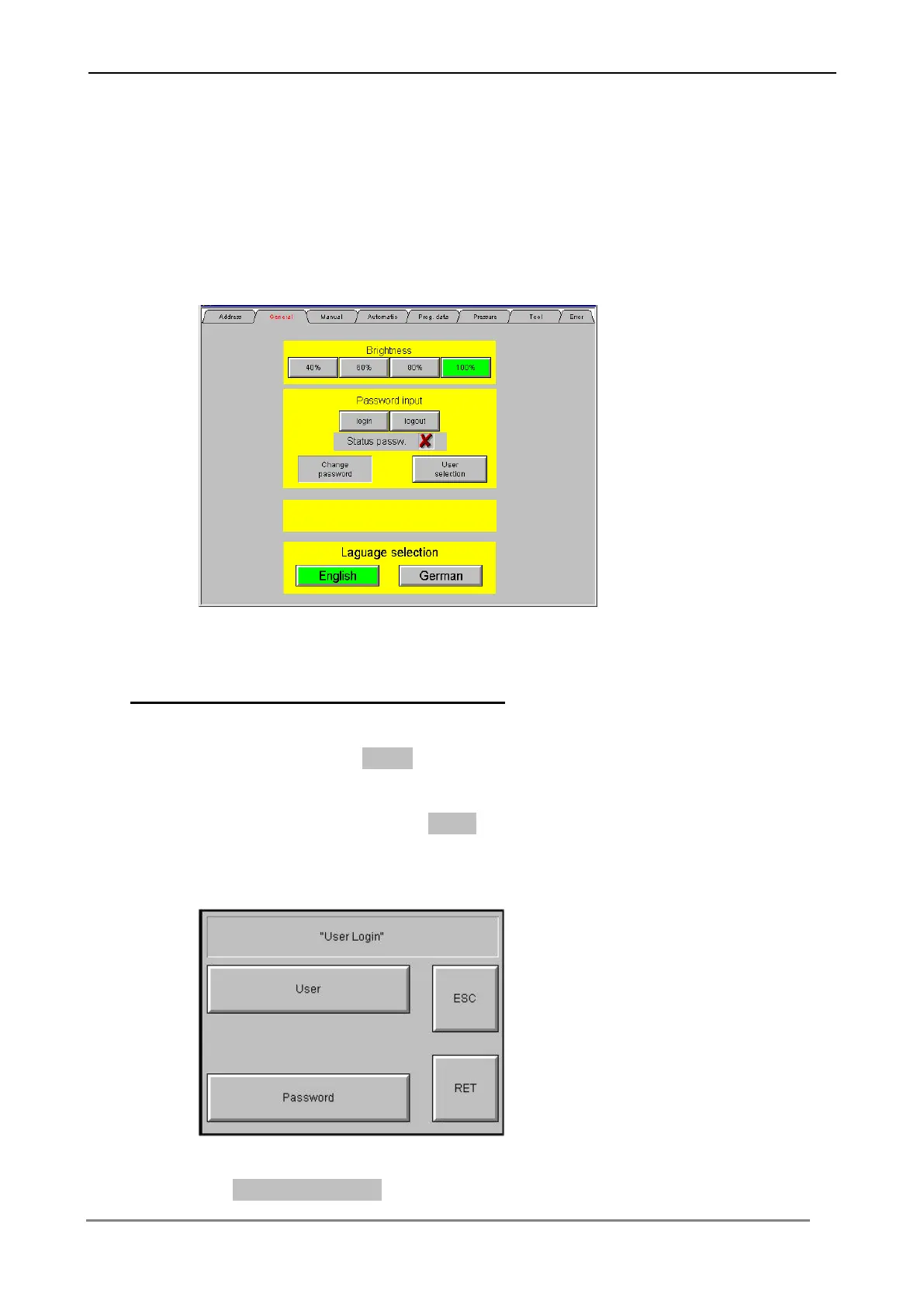
6.3.2 Menu "General"
In this menu you can login into the system and make general preselections such as
contrast and language preselection.
Go on as follows to login into the system :
Press the switching surface Login, in order to change into the menu to the password
input. Input over the following menu the user name and the respective password into
the control. Confirm each input with Enter, in order to transfer the values to the
Control.
The current Password status is indicated on the screen.



 To Next Page