Control and input elements
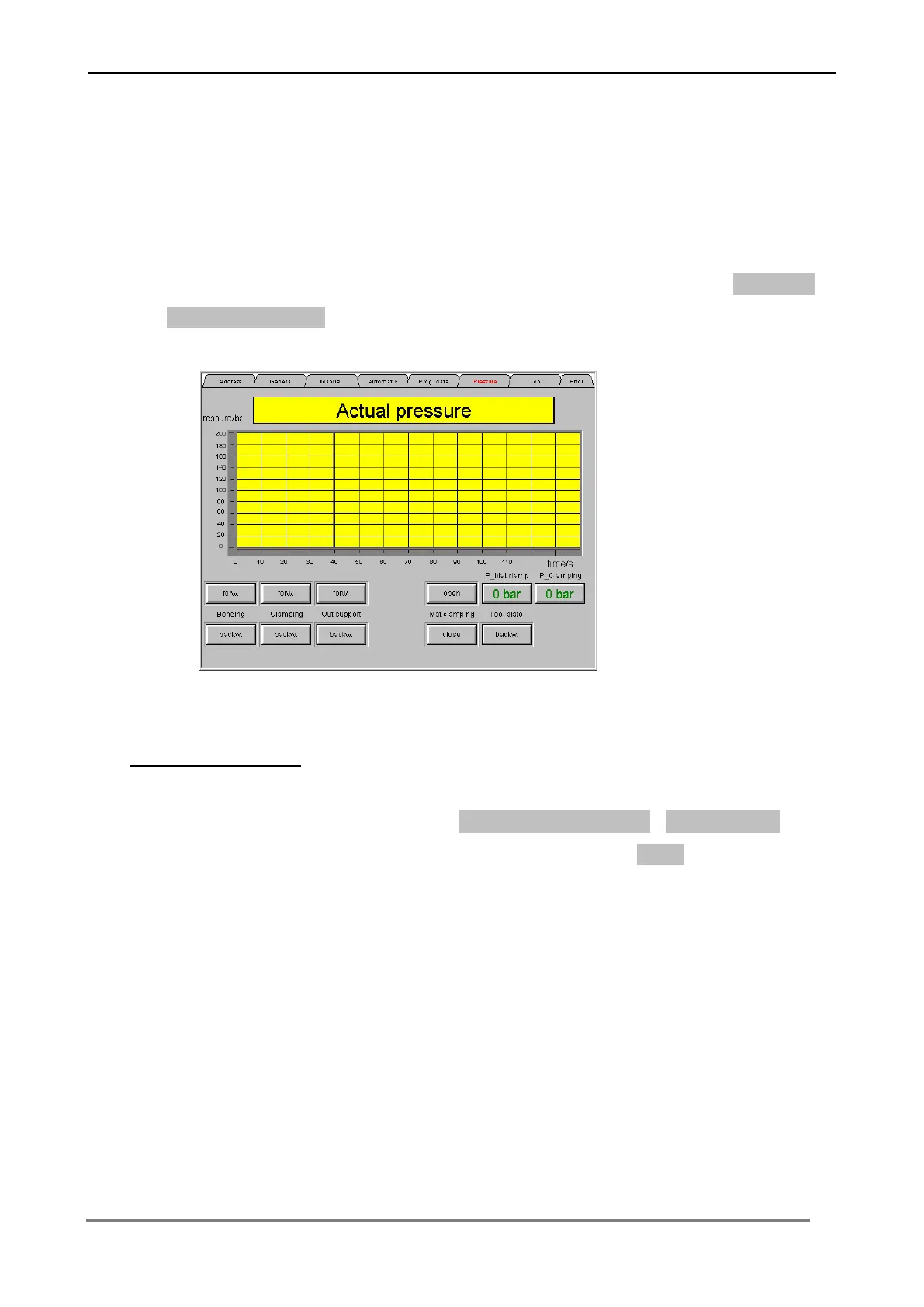
6.3.7 Menu „Pressure value“
In this menu the pressure values of the individual functions are shown. Press the
respective switching surface, in order to indicate the pressure value on the screen.
This menu is likewise for adjustment the pressure values for the function clamping
and material clamping too.
Pressure value edit
Press the respective switching surface (P – Material clamping ; P - Clamping).
Insert the respective pressure value. Confirm each input with Enter, in order to
transfer the values to the Control.



 To Next Page