Control and input elements
Tool data save / load
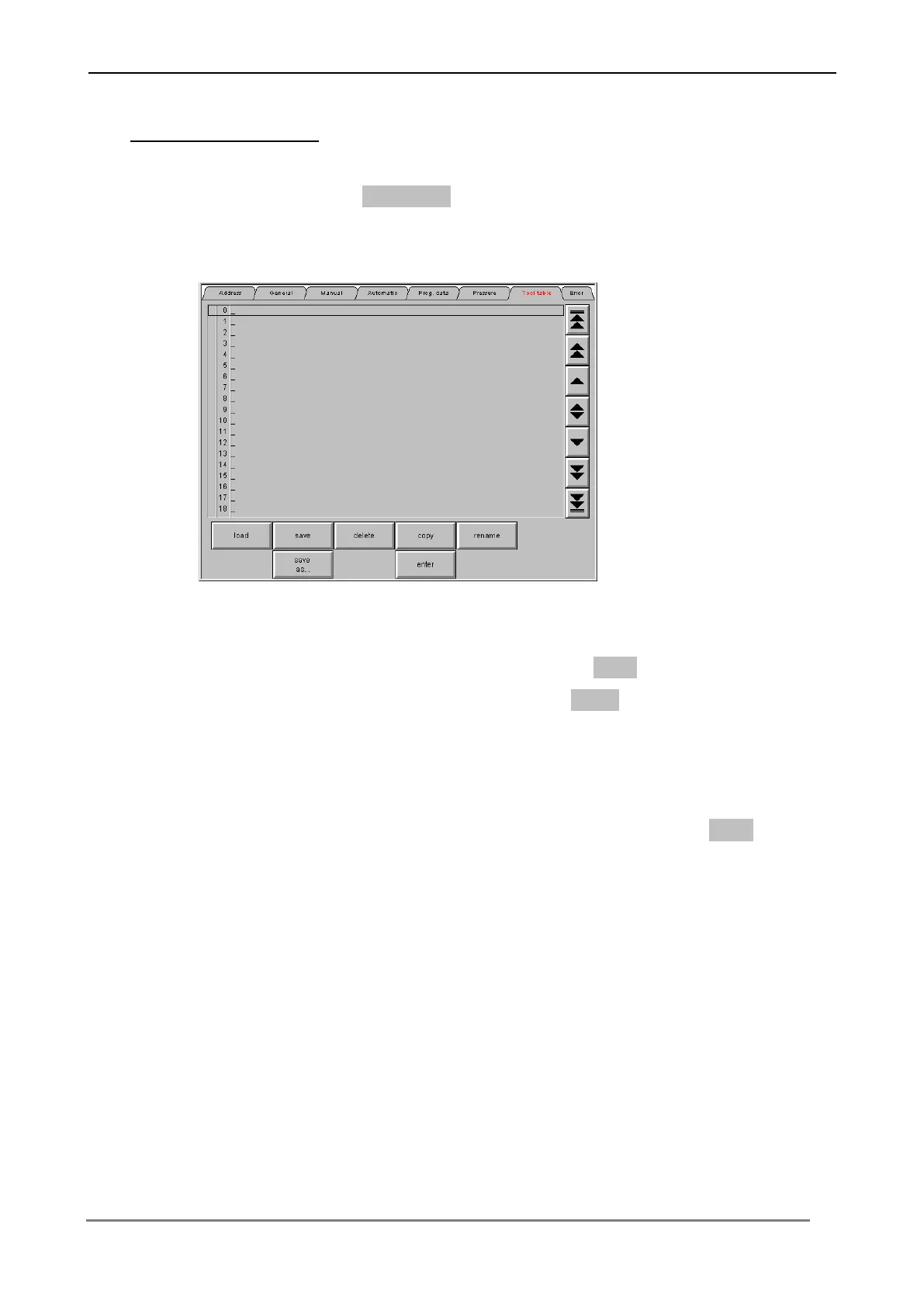
Press the switching surface Tool table twice, in order to change into the menu level
for tool data.
In order to save a tool data, press the switching surface Save. Input a name for the
bending tool data (e.g. size). Confirm each input with Enter, in order to transfer the
values to the Control.
In order to load a tool data from the table, select the appropriate tool data over the
cursor keys at the left edge of screen and press the switching surface Load.
Bending projects can be deleted, renamed, copied and inserted too.



 To Next Page