Control and input elements
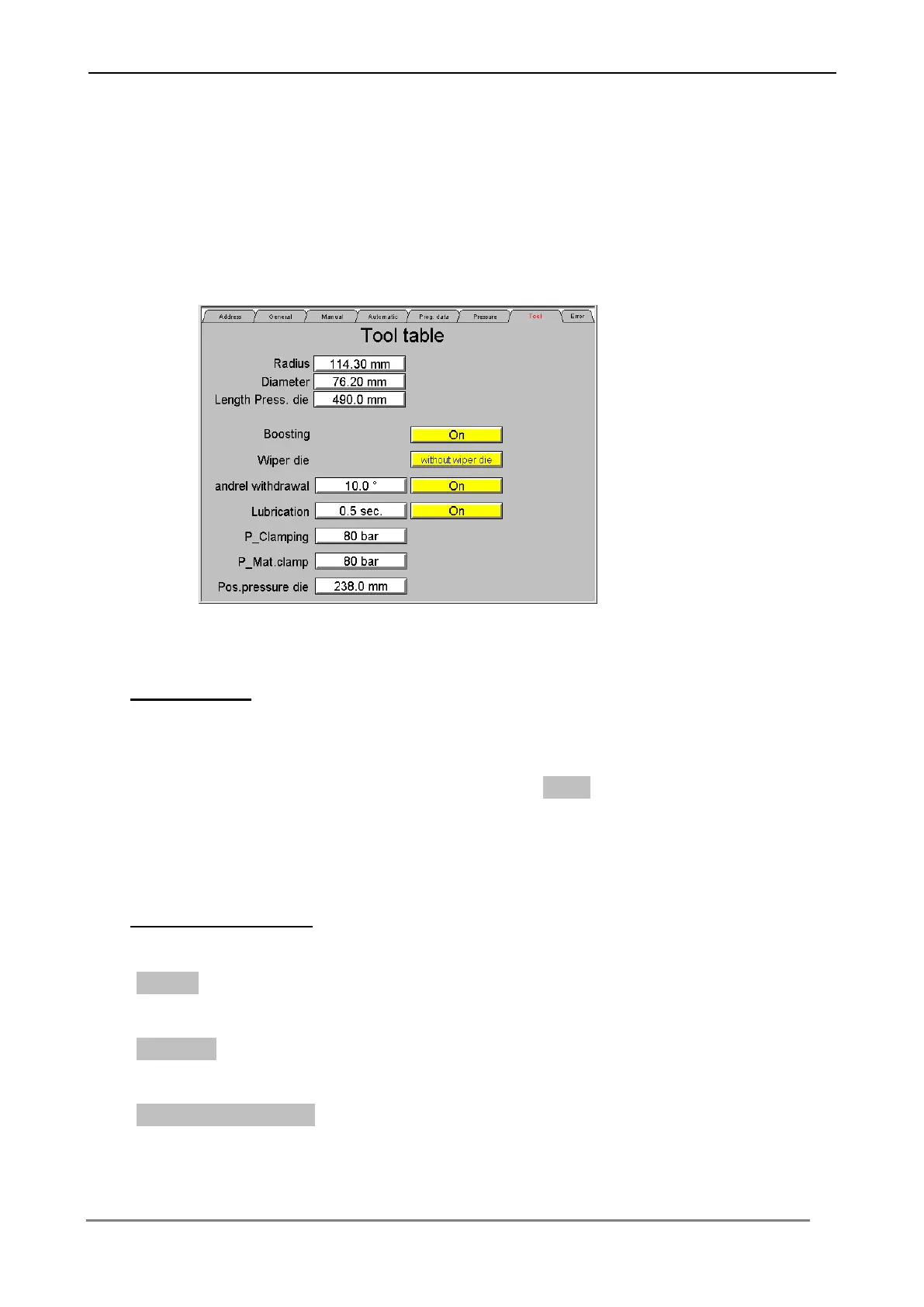
6.3.6 Menu „Tool Table“
In this menu tool data can be edited, loaded and saved. The table contains all tool
data, additional functions and pressure values for bending.
Tool data edit
Press the respective switching surface in order to input the tool data and additional
values into the tool table. Confirm each input with Enter, in order to transfer the
values to the Control.
Tool data, Functions
Input in this line the radius of the bending roll.
Input in this line the diameter of the tube.
Input in this line the length of the pressure die



 To Next Page