Control and input elements
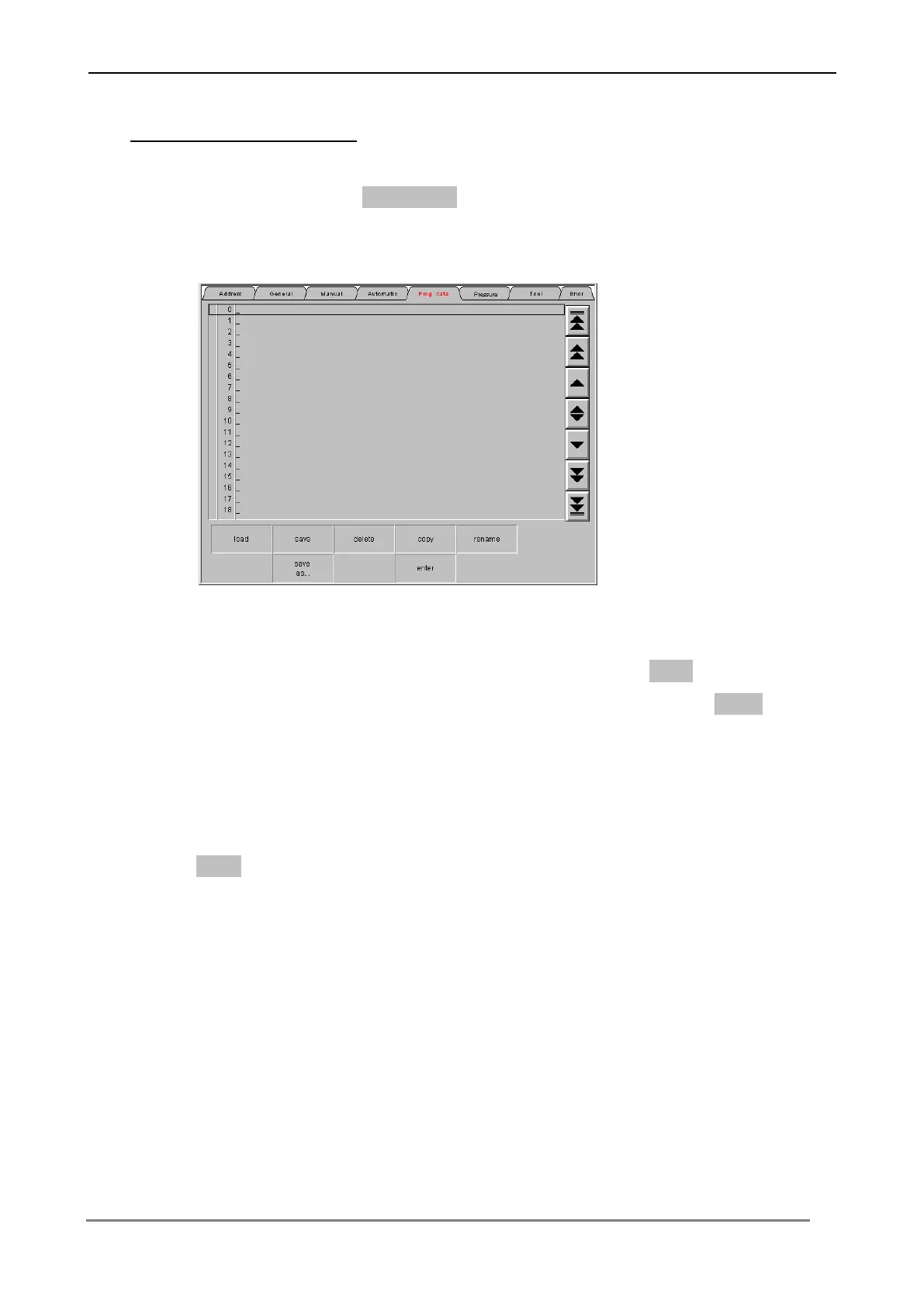
Bending data Load / Save
Press the switching surface Data block twice, in order to change into the menu level
for a bending project.
In order to save a bending project, press the switching surface Save. Input a name
for the bending project (e.g. drawing number). Confirm each input with Enter, in
order to transfer the values to the Control.
In order to load a bending project from the table, select the appropriate bending
project over the cursor keys at the left edge of screen and press the switching
surface Load.
Bending projects can be deleted, renamed, copied and inserted too.



 To Next Page