37
6 Input and control elements
6.1 Description of the control elements
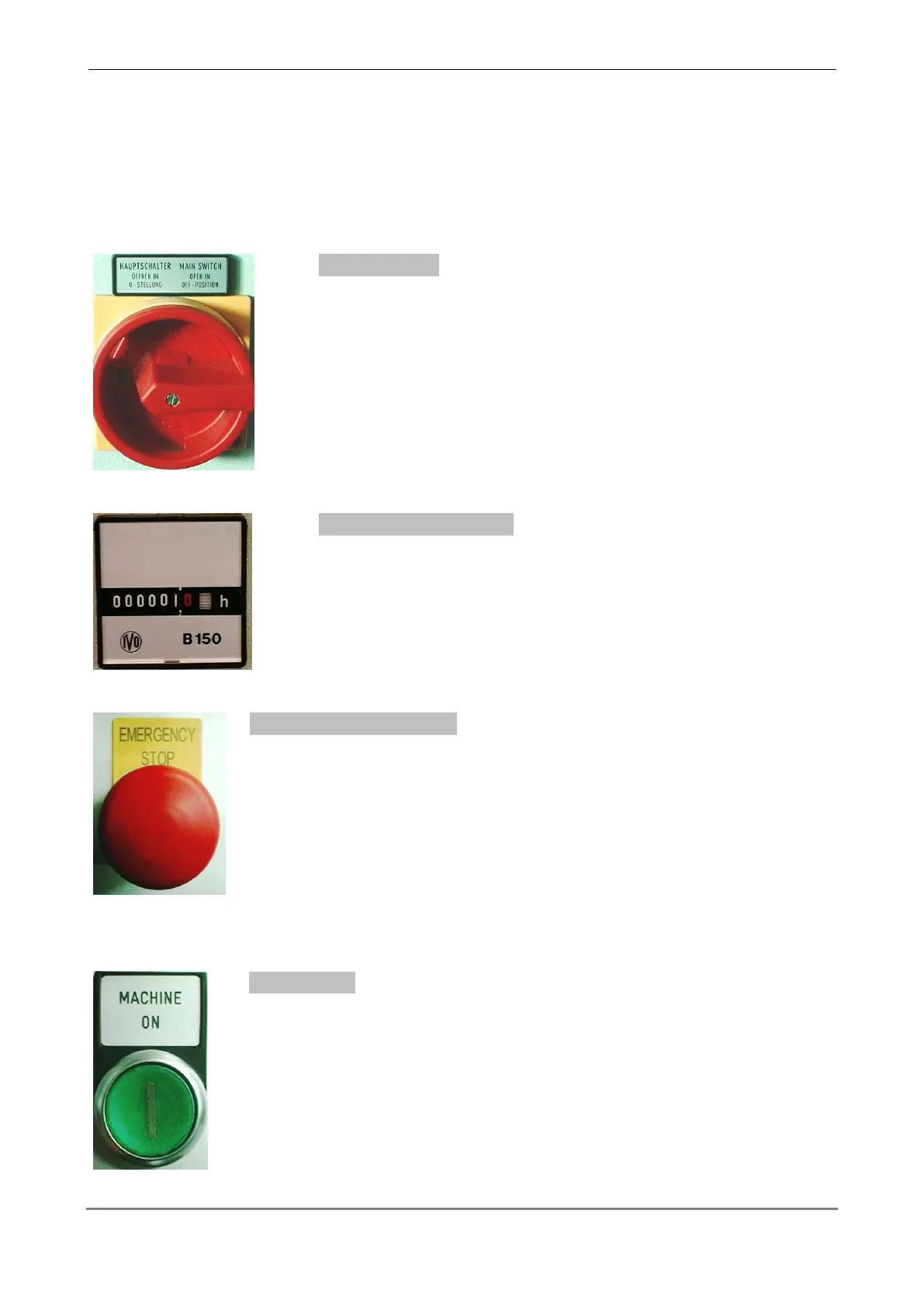
Power switch (located at the cabinet)
Turn the main switch to the rightside (position on), in order to
switch on the current supply of the machine.
Working hour counter (located at the cabinet)
The emergency stop function turns off all machine functions but does
not disengage all electrical circuits including input unit.
The button stays engaged after actuating and must be unlocked by
pulling it.
Press the button, in order to switch on the control of the machine.
The button lights up, if the control is switched on.



 To Next Page