Control and input elements
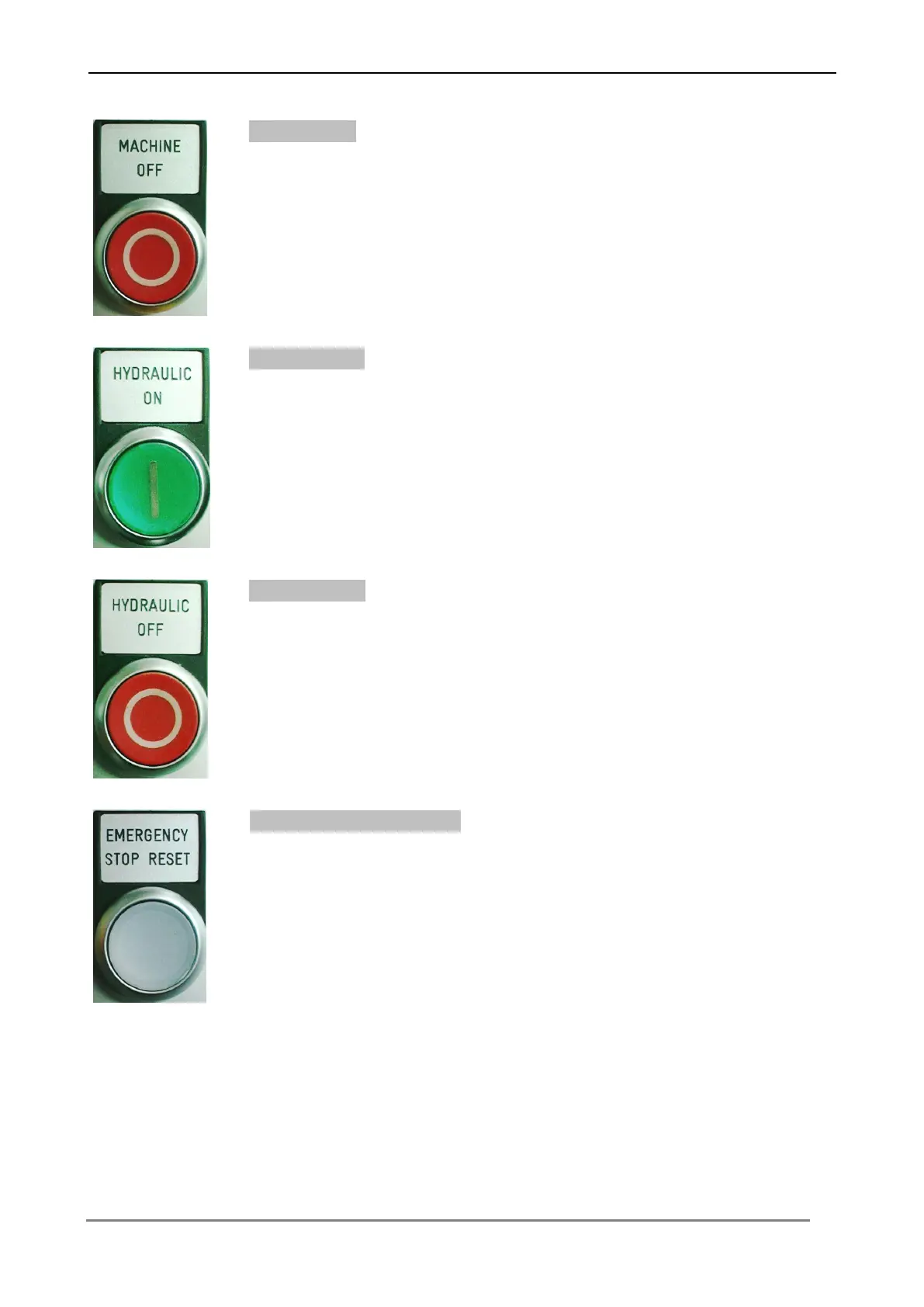
Press the button, in order to switch off the control of the machine.
Hydraulic On
Press the button, in order to switch on the hydraulic plant of the
machine.
The button lights up, if the hydraulic plant is switched on.
Press the button, in order to switch off the hydraulic plant of the
machine.
Enable Emergency stop
It must be actuated, after start up of the machine and after each
unlocking of the emergency stop button.
The button lights up, if the emergency stop function is reset.



 To Next Page