Spart up the machine
7.2 Start up the machine
After all energy and power supplies were examined, the machine can be
started.
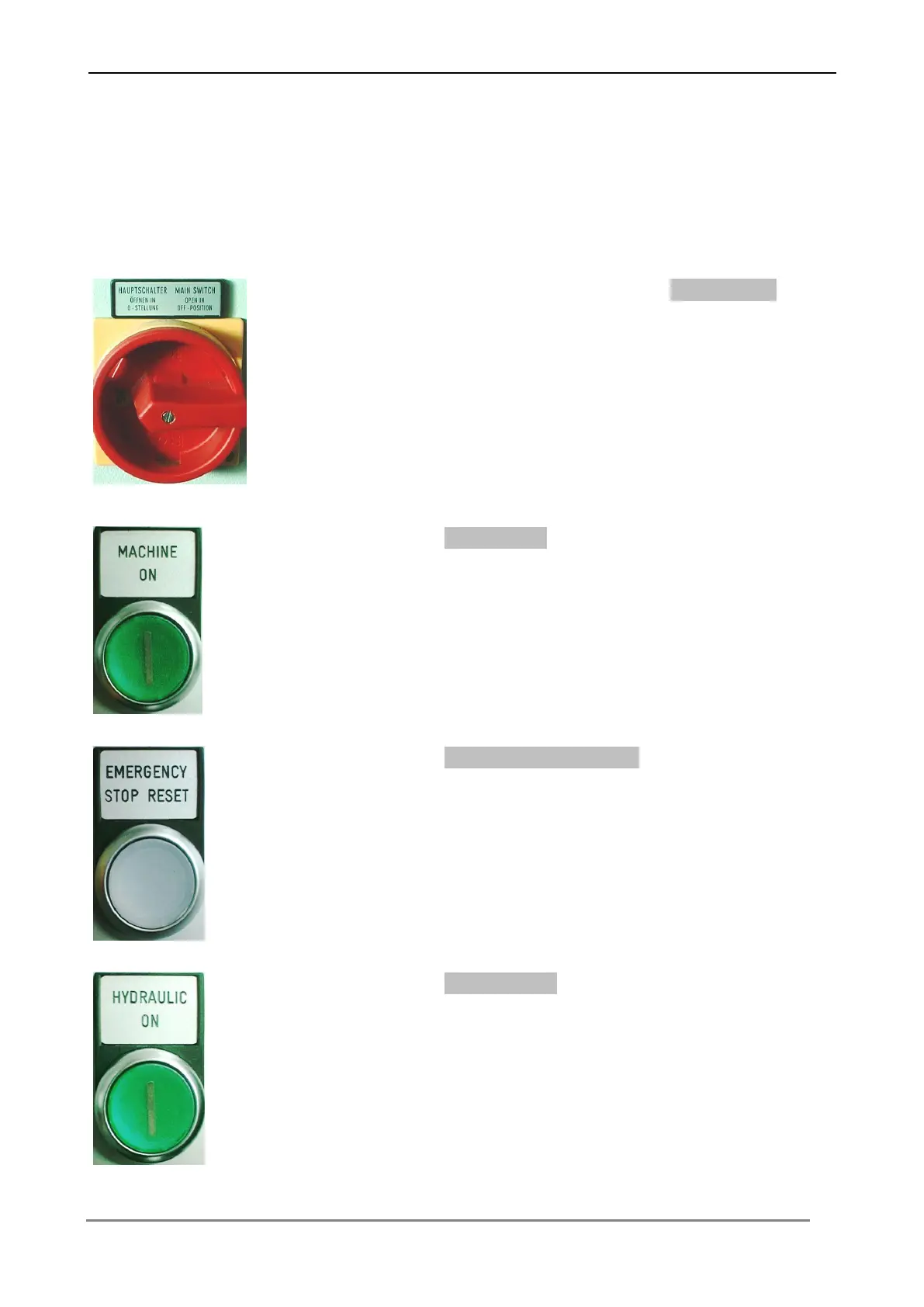
1. Switch on the machine by turning the Main switch.
2. Press the button Machine on, in order to switch on the control.
The buton lights up, if the machine is switched on.
3. Press the button Emergency stop reset, in order to reset the
emergency stop function.
The buton lights up, if the emergency stop function is reset.
4. Press the button Hydraulic on, in order to switch on the
hydraulic.
The buton lights up, if the hydraulic is switched on



 To Next Page