Control and input elements
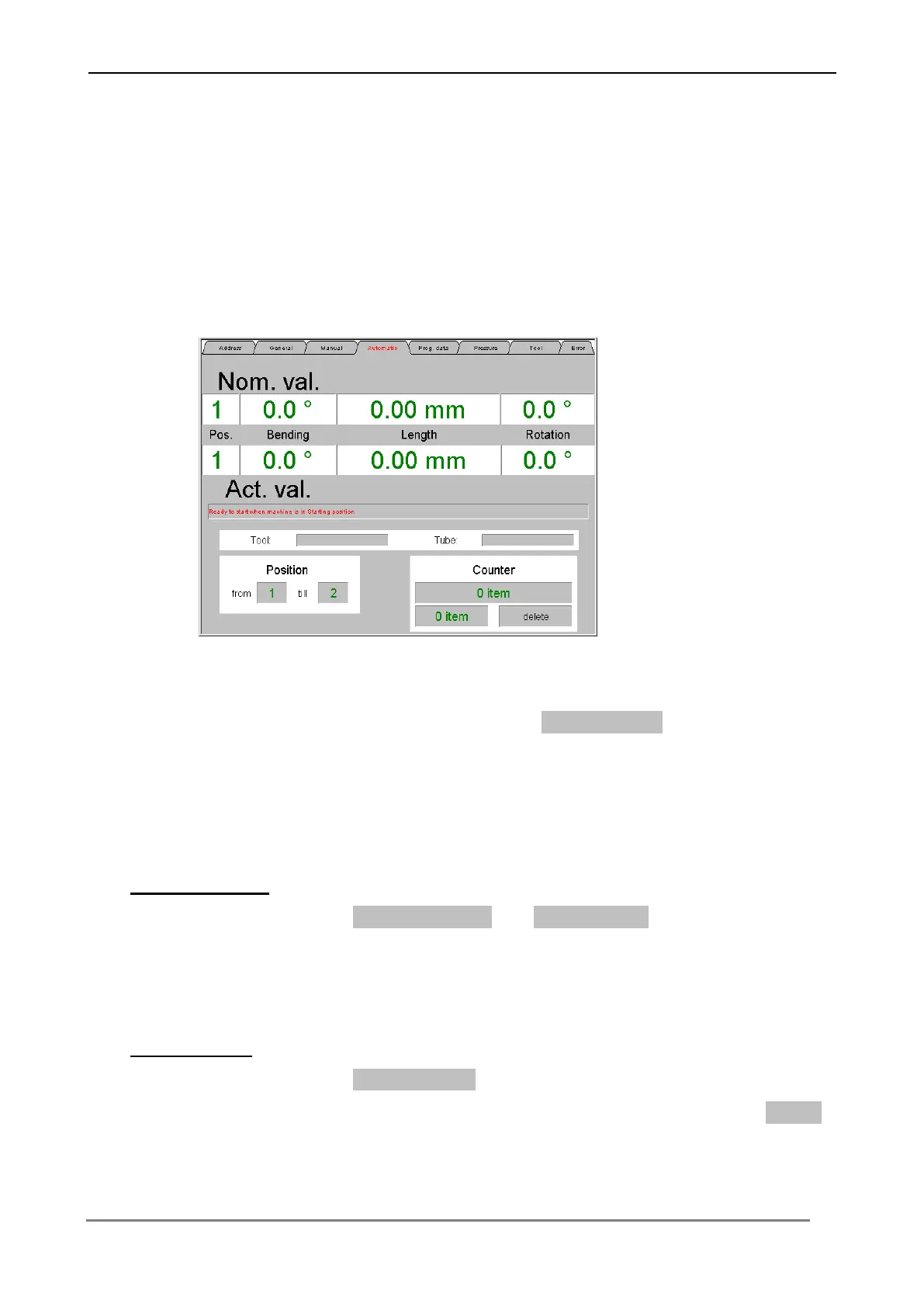
6.3.4 Menu „Automatic“
In this menu the machine can be controlled in the automatic operating mode. Input
over the appropriate switching surfaces of the nominal value level (angle positions,
piece counter), the necessary bending data into the control.
The automatic bending cycle is released over the Start – button at the control
console. An actual and nominal value comparison is at any time possible on the
screen (see chapter "Operating the machine in the automatic operation sequence").
Angle positions
With the switching surface from Position… and to Position… the bending positions
of a data record can be determined, which should be processed by the control.
Piece counter
With the switching surface Piece counter the desired number of items can be
determined, which are to be processed by the control. The switching surface Delate
set the number of items back to zero.



 To Next Page