Control and input elements
6.3.5 Menu „Data block“
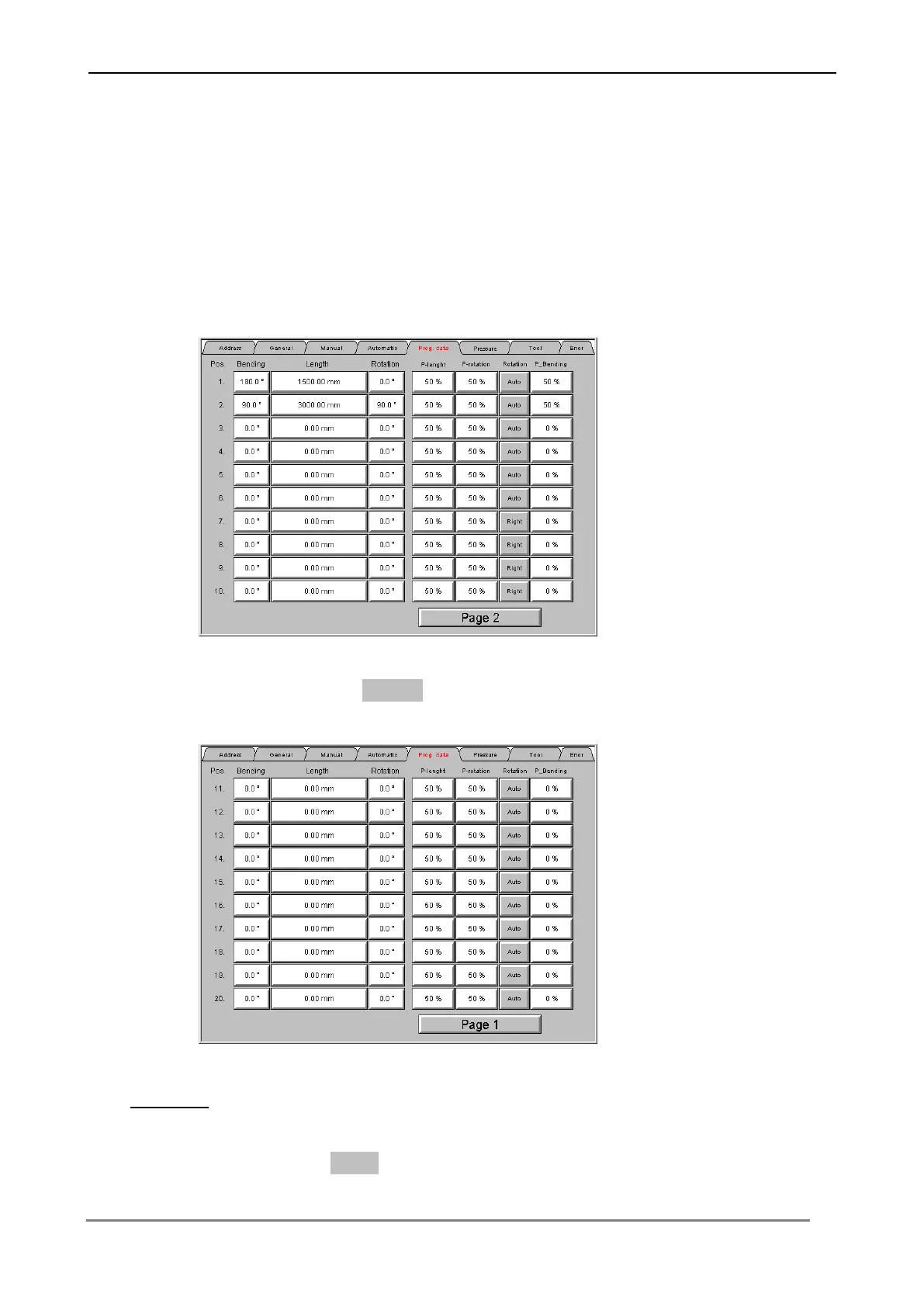
In this menu tubing geometries can be edited, stored and loaded. There is the
possibility to input tubing data with up to 20 different positions. The table contains
all bending values, speeds and additives for bending.
Press the switching surface Page 2, in order to indicate the positions 11 - 20.
Data edit
Press the respective switching surface in order to input the bending data in the table.
Confirm each input with Enter, in order to transfer the values to the Control.



 To Next Page