AU-OPR-AureFloFT-EN,
Rev H
25
AureFlo
®
Operation
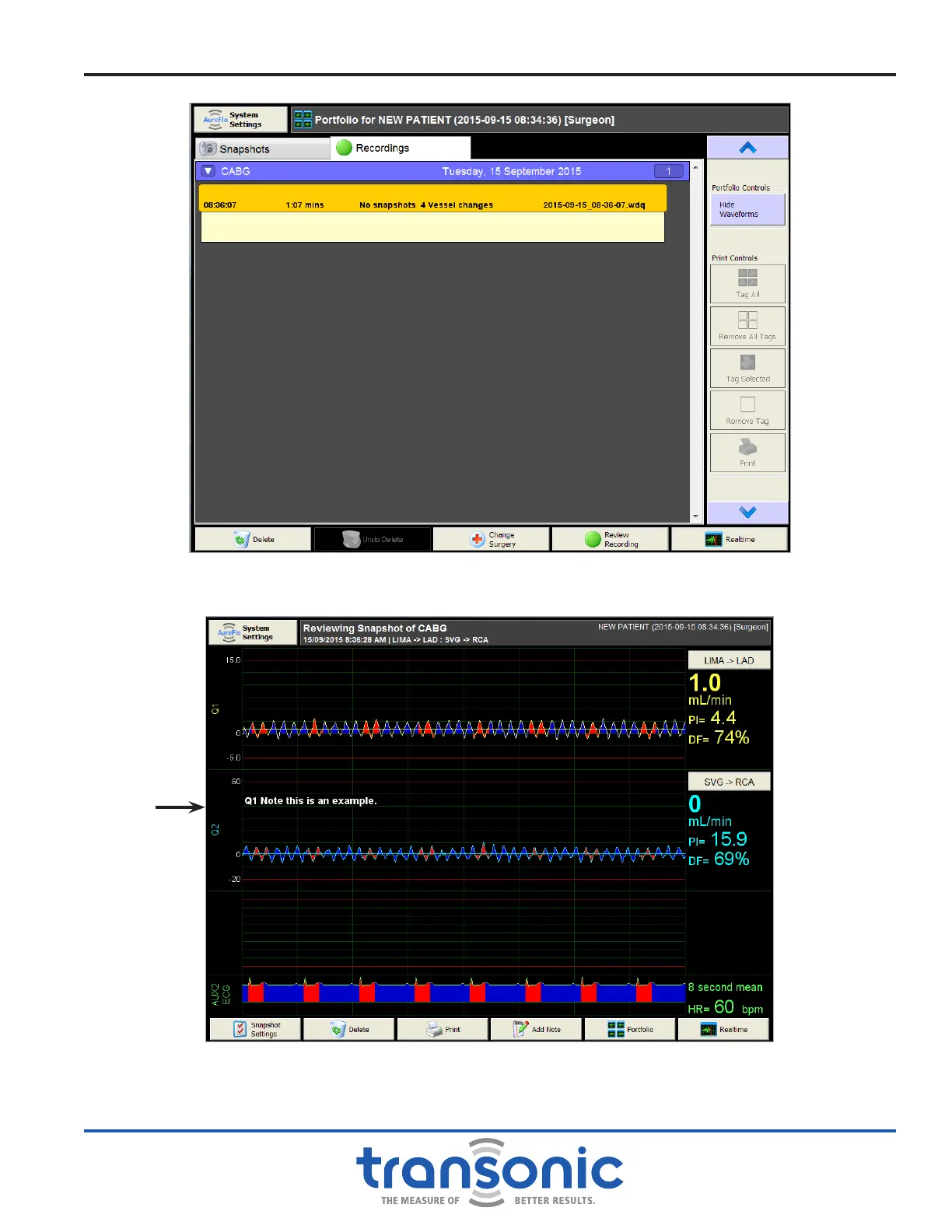
Fig. 6.6: Portfolio mode showing saved Recordings with recording details in a listing without
waveforms.
Fig. 6.7: Reviewing Snapshot in the Portfolio mode. From this mode you can edit the
[Snapshot Settings], [Delete] or [Print] the Snapshot, [Add Note] to the Snapshot, or
return to the [Portfolio] or [Realtime] mode. Heart Rate is displayed in addition to
Mean Flow, PI, and DF or D/S.
Snapshot
note



 To Next Page