26 AU-OPR-AureFloFT-EN,
Rev H
AureFlo
®
Operation
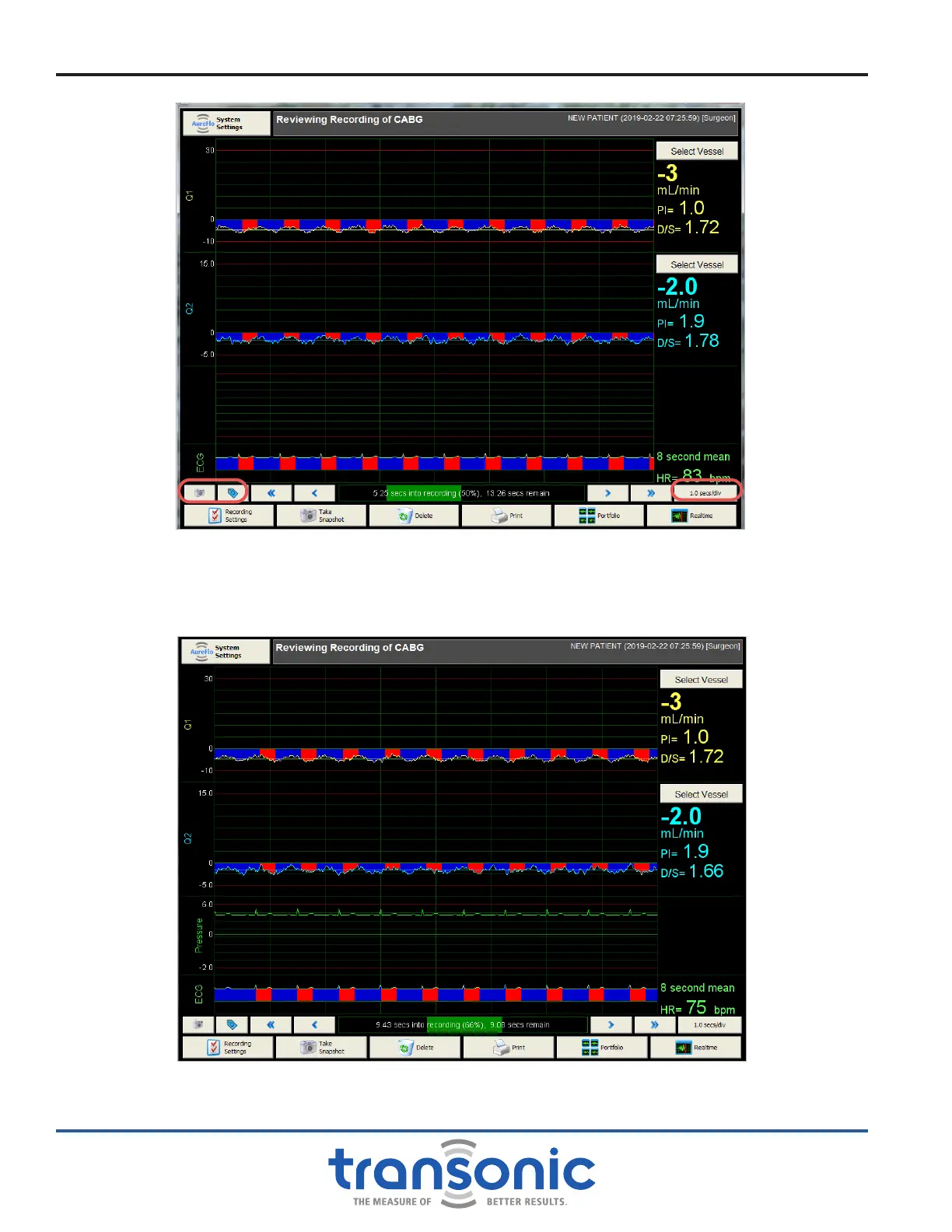
Fig. 6.8: Reviewing Recording in the Portfolio mode which allows you to scroll through the recording using
the left and right arrows to create Snapshots and change tagged vessels. The Mean Flow and PI will
update for the 8 second period displayed. From this mode you can also edit the [Recording Settings],
[Delete] the recording, [Print] a Snapshot, or return to the [Portfolio] or [Realtime] modes.
Note: Total recording length = time into recording + 8 seconds displayed + time remaining
Fig. 6.9: If a pressure signal was connected during data collection it can be displayed or
removed from the display in the recording and snapshot views.



 To Next Page