AU-OPR-AureFloFT-EN,
Rev H
27
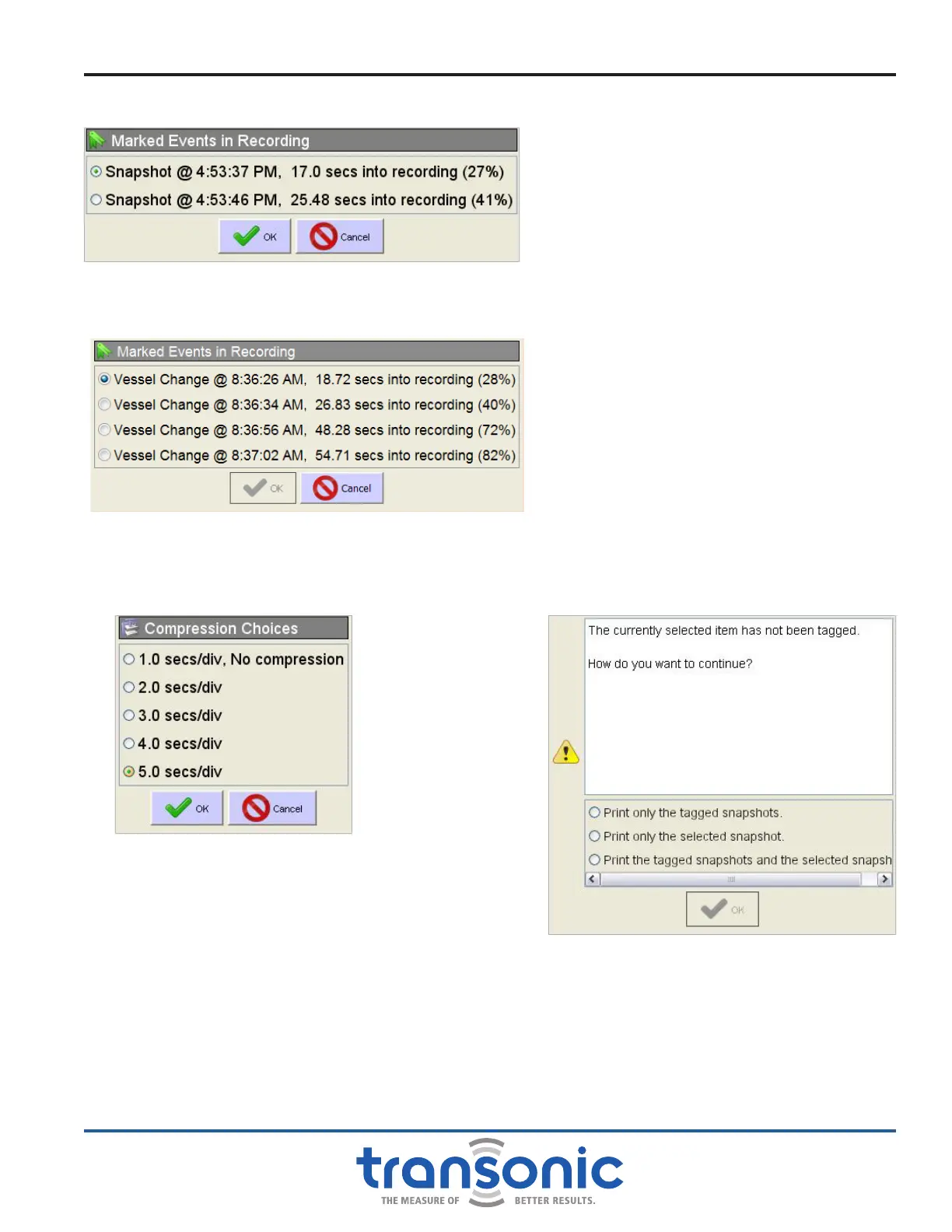
Fig. 6.10: The camera button allows direct navigation to the Snapshots in
a Recording.
Fig. 6.11: Selecting a non-tagged Snapshot and pressing
[Print] when there are other tagged Snapshots in
the Portfolio gives the option of which Snapshots
to print before proceeding to the normal print
settings screen (Fig. 6.4, page 23).
Fig. 6.12: The blue tag button allows direct navigation to the locations
of vessel selection changes in a Recording.
Fig. 6.13: Selecting a larger compression
allows for more of the recording to
be visible on the screen but reduces
the resolution of the waveforms,
including removing any colorization.
The compression is listed in the
bottom right corner of the Reviewing
Recording screen.
AureFlo
®
Operation



 To Next Page