76
- Press the ‘ENT’ button to set the ‘On’ or ‘Off’
the quickshifter feature.
d5. Connectivity
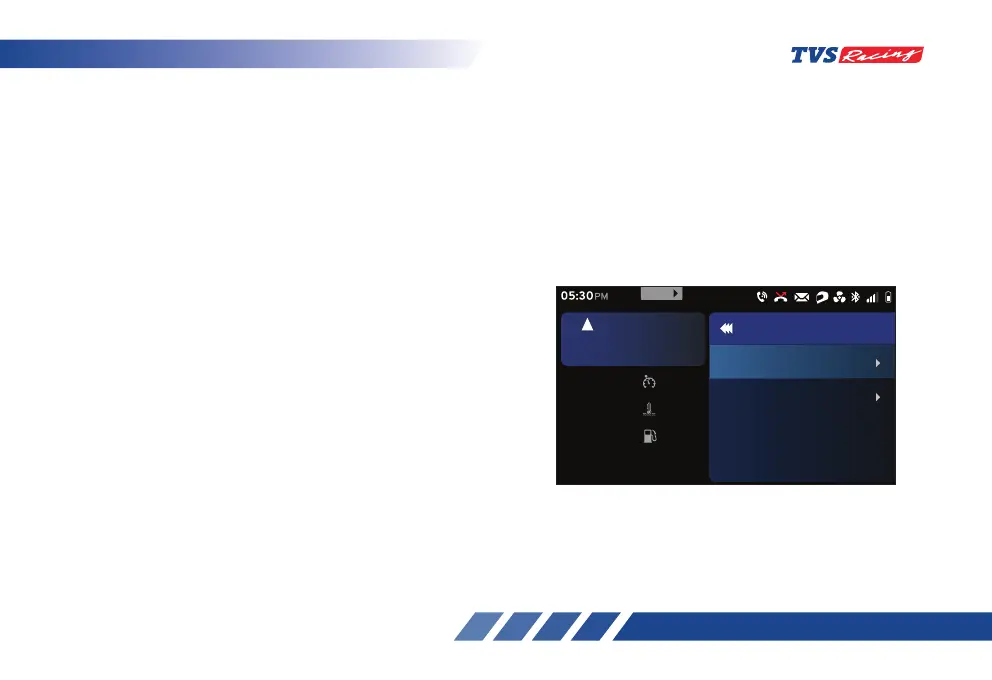
The ‘Connectivity’ option provides the access to view
the list of paired devices and to setup the display calls
option.
- After entering the ‘Preferences’ menu, select
the ‘Connectivity’ option using ‘Up’ (D2) or
‘Down’ (D3) arrow (ref. Fig. 24).
- Once the ‘Connectivity’ option is selected,
press the ‘ENT’ (D1) button.
• There are two more additional options are
available in the ‘Connectivity’ tab and they are:
Paired devices
Display call
Set
km/h
60
oc
Coolant Temp
30
km
Range
30
rpm
6700
5
km/h
URBAN
05:30
PM
Connectivity
Display call
Paired Devices
999
MENU













 To Next Page