VideoIQ User Guide100
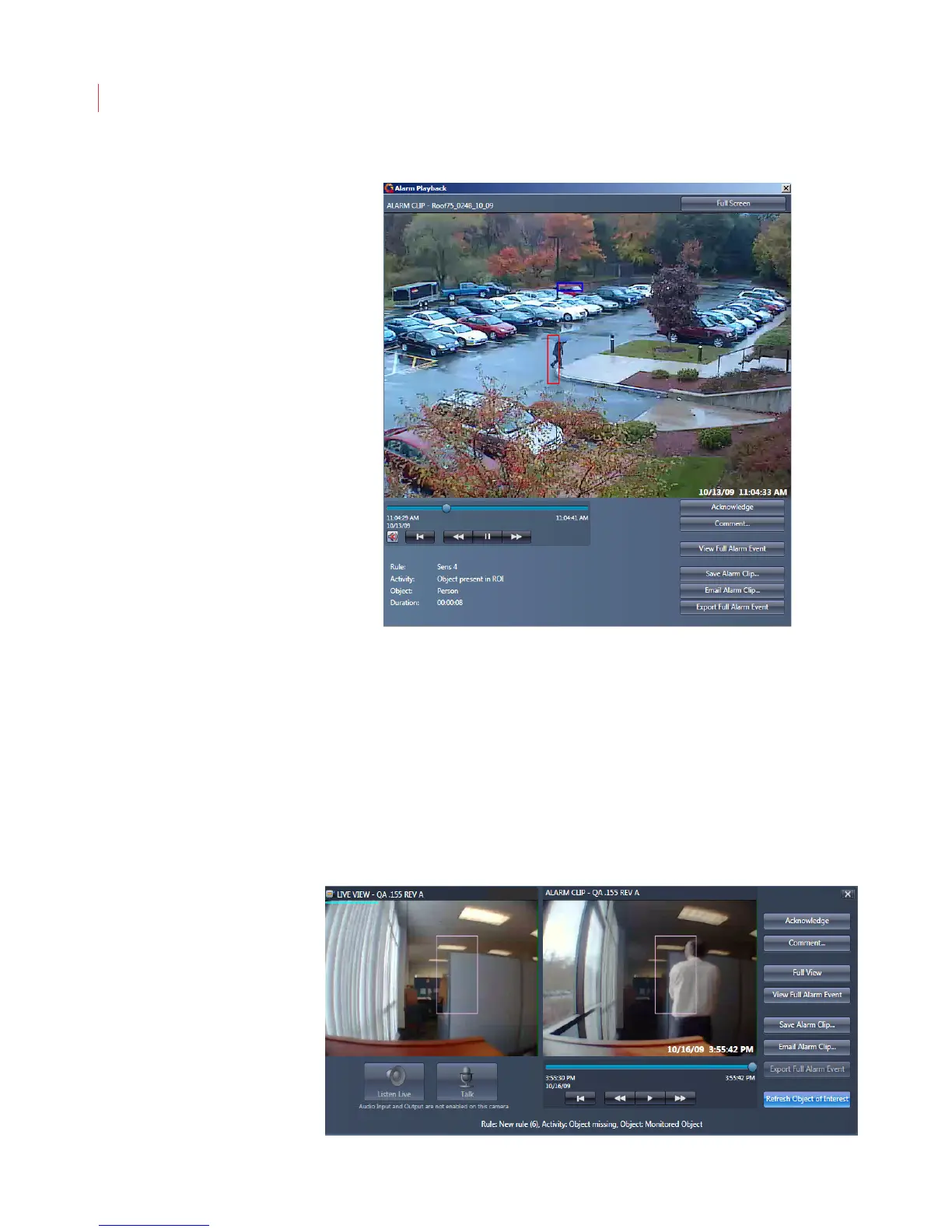
To view the alarm event in a D1-size window, click the Full View button:
To view the event in full screen mode click the Full Screen button.To exit full
screen mode click the Restore Down button in the upper right-hand corner of the
screen, or the Esc button on your keyboard
Refreshing an Object of Interest
When you create a rule using the Monitored objects missing or blocked
activity, it must be reactivated each time an alarm is triggered for the object
monitored.
Click the Refresh Object of Interest button to refresh the rule activity and allow
the video analytics to re-learn the object present.



 To Next Page