VideoIQ User Guide37
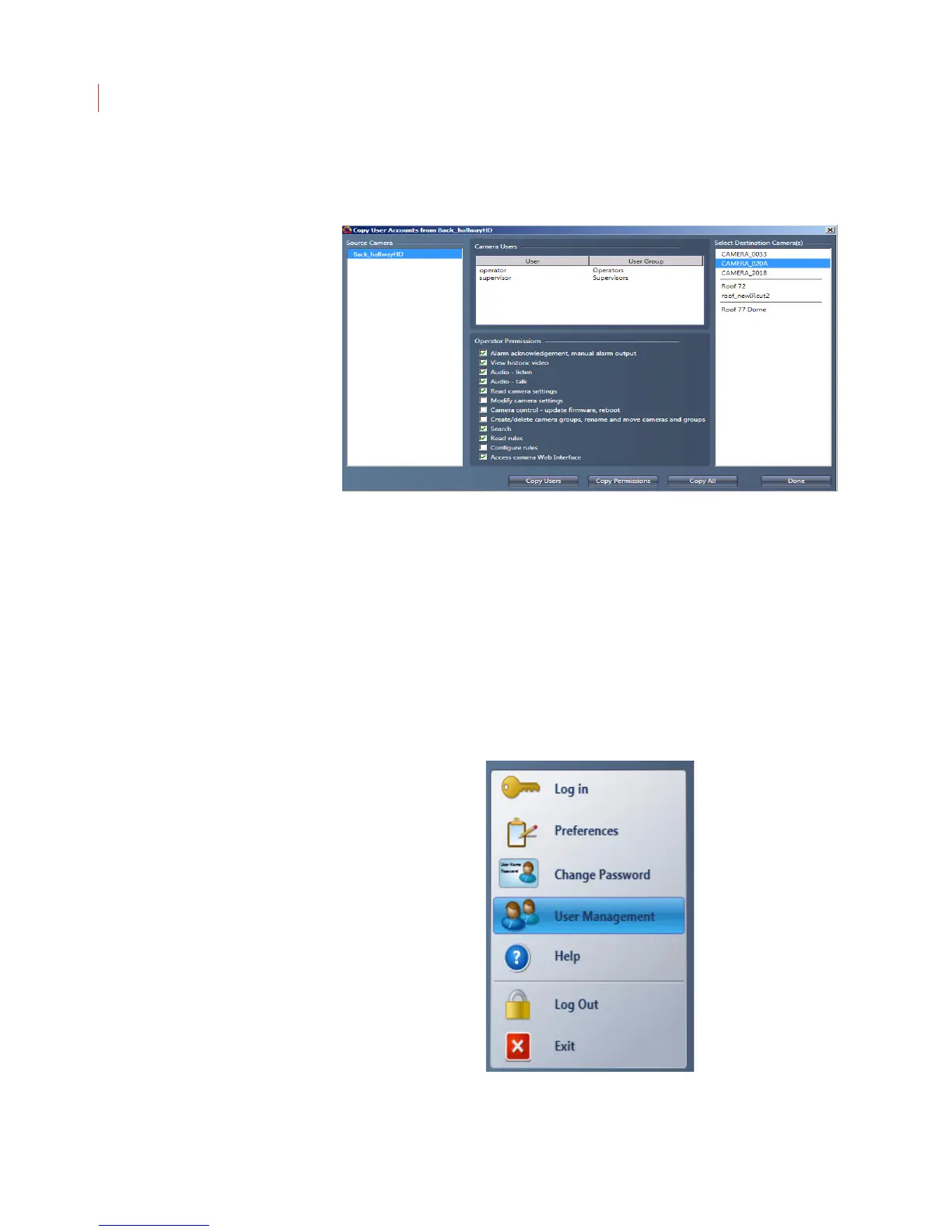
4. When the Copy User Accounts From window appears, select one or more
cameras from the Destination Cameras list, then click one of the following
buttons:.
Copy Users: Copies only the usernames and passwords of users
stored on the destination camera.
Copy Permissions: Copies only the permissions stored on the source
camera.
Copy All: Copies both the users and permissions stored on the source
camera.
5. Click Done.
Editing a User Account
Once you have created a user account you can easily edit it.
1. Click the VideoIQ button and select User Management.



 To Next Page