VideoIQ User Guide85
Viewing Live Video Across Two Monitors
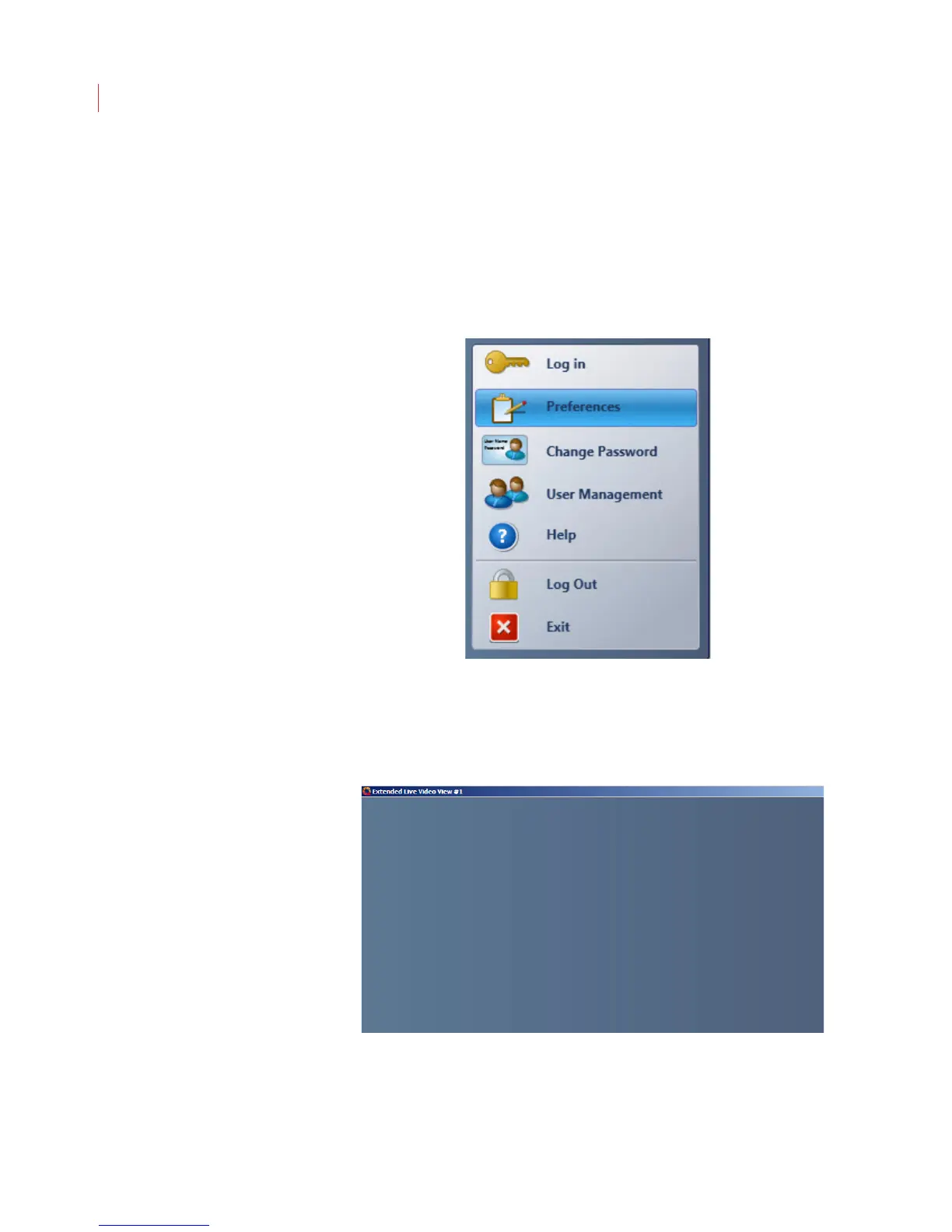
You can view live video across two monitors using the Extended Live Video
window.
To display an extended View window:
1. Ensure that your computer is configured for multi-monitor support in.
2. Click the VideoIQ button in the toolbar and select Preferences.
3. When the Preferences dialog box displays, ensure that the Enable Extended
Live Video View box is checked, then click OK.
4. Select the Extended Live View button from the View toolbar. The Extended
Live Video View window displays.
If you’re opening the Extended Live Video window for the first time, it will display
in front of the main View window. You can move it by clicking and holding the title
bar of the window while dragging it to a second monitor.



 To Next Page