Web Access to Cameras
139
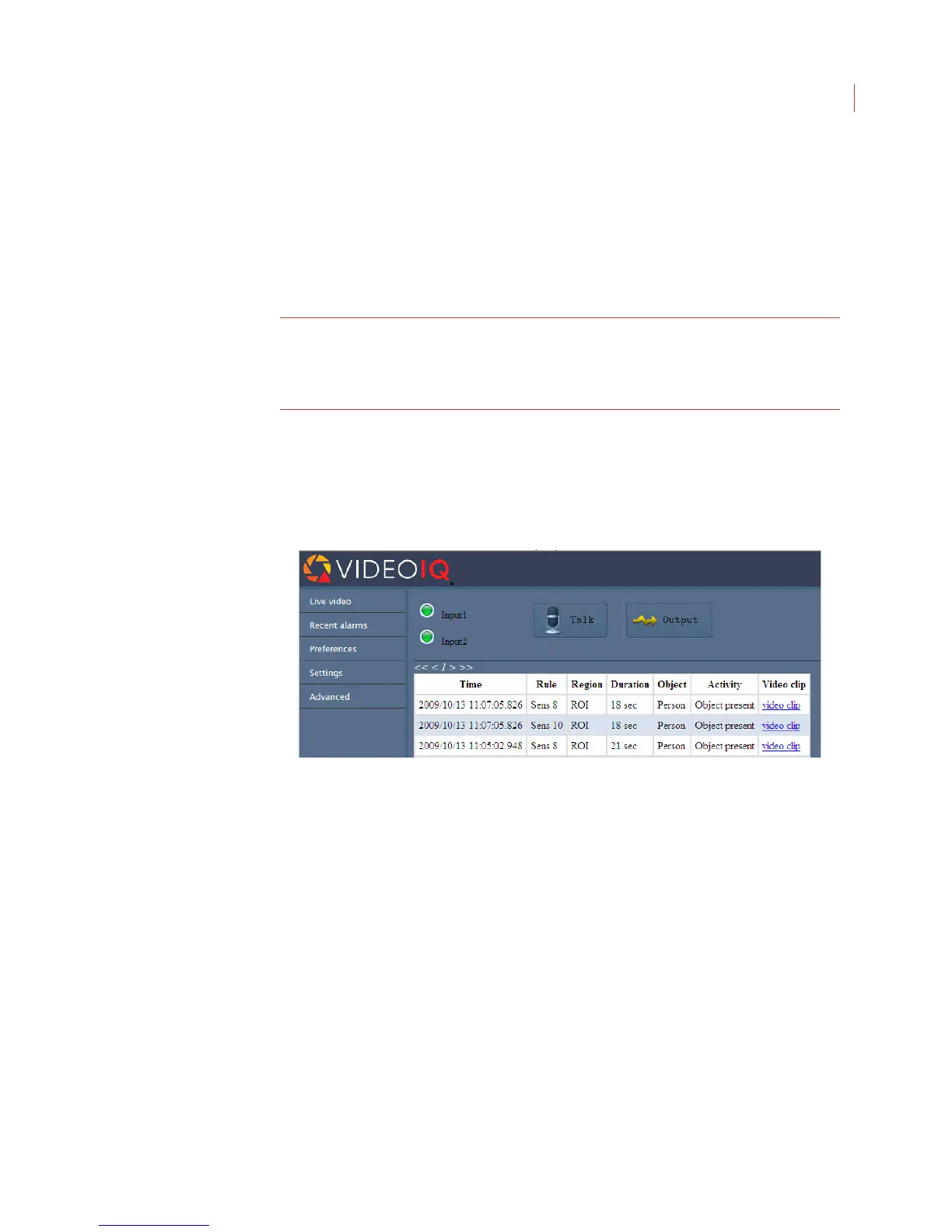
When an alarm output device such as a door release or siren is attached to the
iCVR, click and hold the Output button to activate the device.
The Alarm Inputs and Output buttons are configured via the Input/Output
settings page in View. Sound for the alarm inputs is configured on the Preferences
page, accessed via the VideoIQ toolbar.
The Talk button is configured via the Audio settings page in View.
Note: Playing live video and video clips requires the use of a VideoIQ plug-in.
As the browser downloads this plug-in, you may see a warning about
installing the VideoIQ ActiveX control. If you see this warning, allow the
installation
Recent Alarms
This page displays a list of the 10 most recent alarm events from the camera.
Click the browser refresh button to update the alarm list.
View a clip of the alarm event in Windows Media Player by clicking the video clip
hyperlink.



 To Next Page