VideoIQ User Guide81
5. Enter the name or IP address of the SMTP server in the SMTP Settings:
Server field. Enter port information when using a non-standard port.
6. Enter login credentials for the SMTP server in the SMTP Authentication
fields.
7. Enter the Camera’s External IP Address and HTTPS Port number to view
video when the camera is behind a firewall or router.
8. Click Apply.
The following is an example of configuring these settings for GMail
From: johndoe@gmail.com
Server: smtp.gmail.com
Port: 587
Username: johndoe@gmail.com
Password: Password
Once you’ve finished configuring the email settings, use the Test button to verify
the settings work. If the settings are correct you will receive a test email message.
Note: To complete the setup you must enable Send email notification on the
Actions tab for the rule you want to receive notifications from.
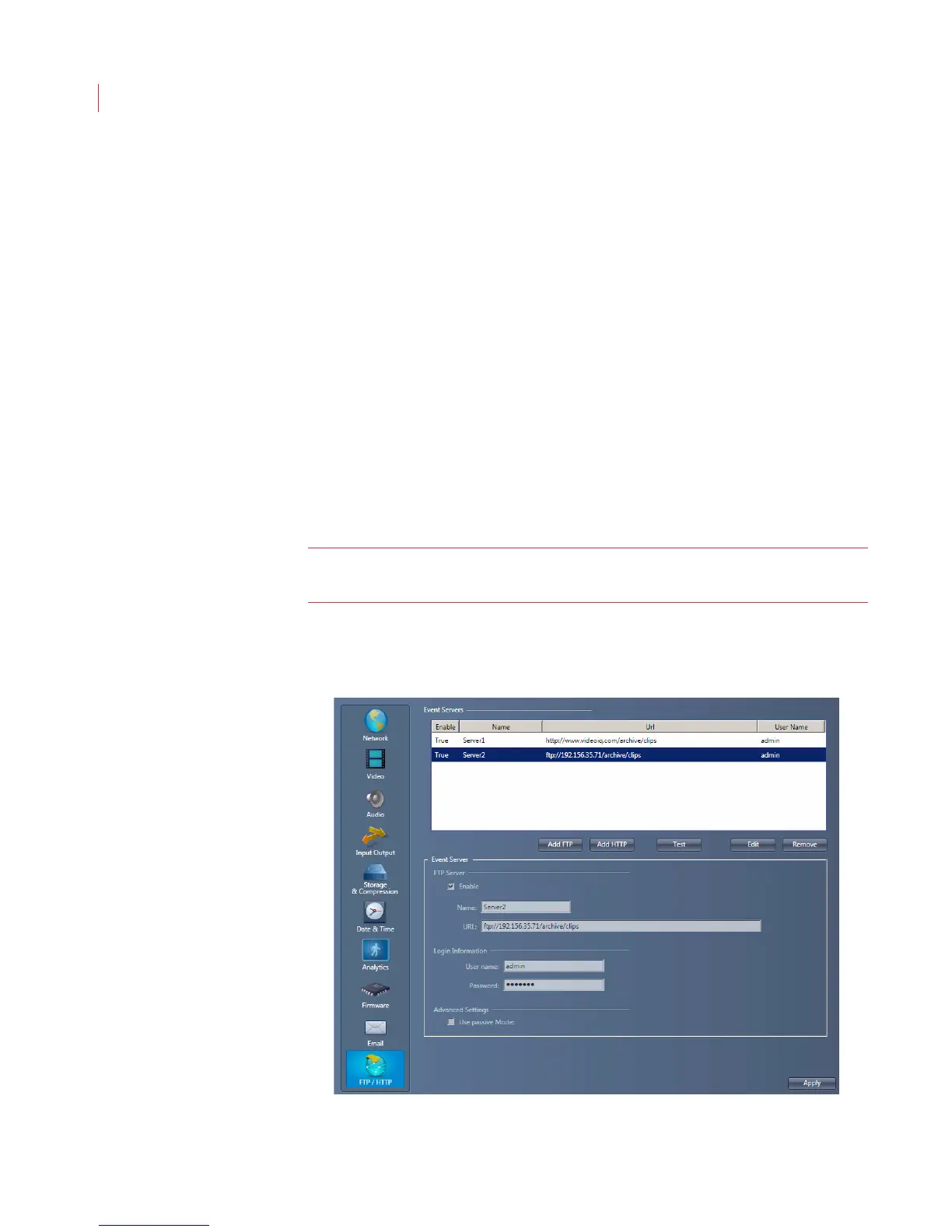
Configuring FTP/HTTP
To receive alarm clips and alarm information without using View, configure an FTP
or HTTP server. When an FTP server is configured you receive alarm clips only.



 To Next Page