VideoIQ User Guide57
Upgrading Firmware
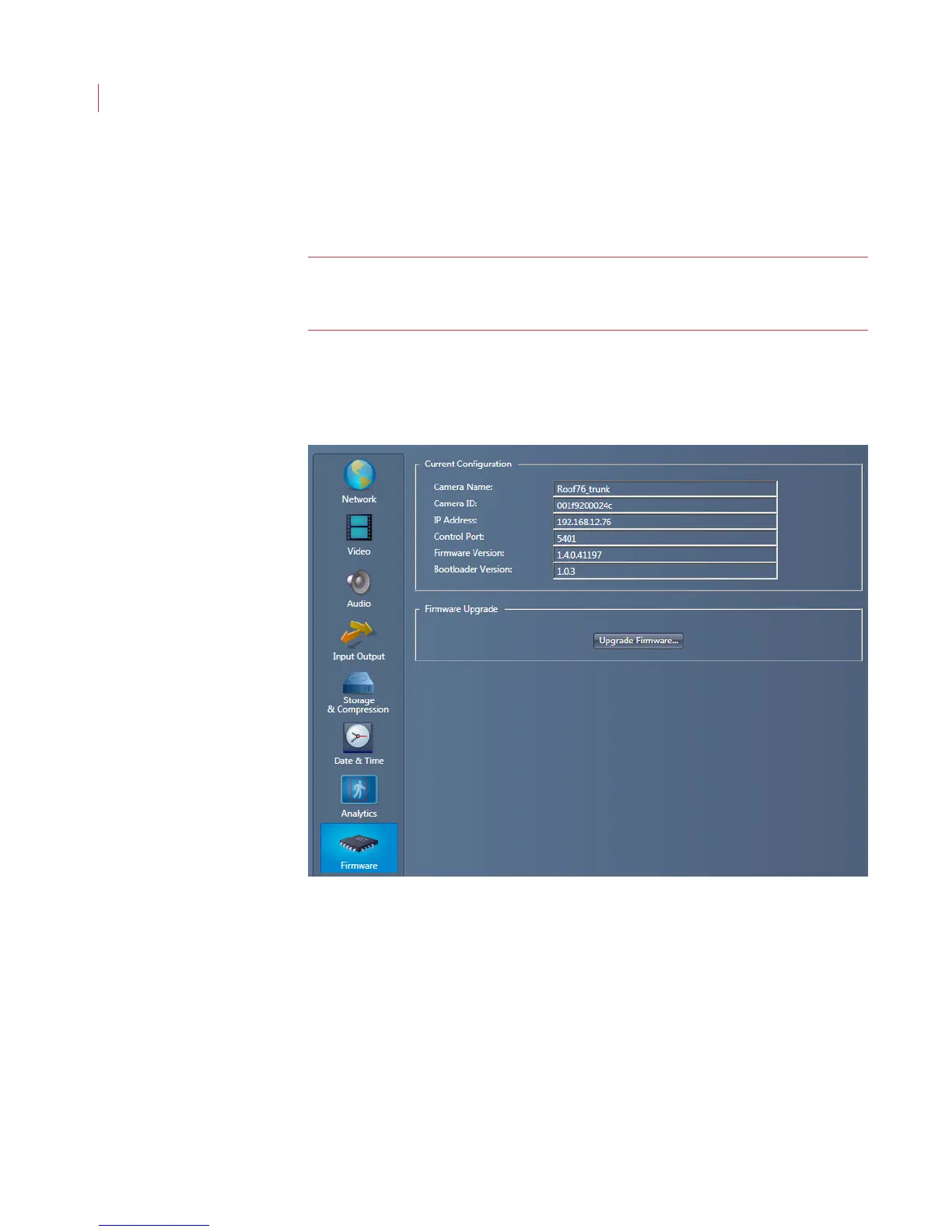
The Firmware Settings window shows the current configuration for your camera,
and lets you upgrade the firmware on your iCVR.
Note: Firmware upgrades should only be performed by advanced users. If you
need assistance while performing an upgrade please contact VideoIQ
Technical Support
1. Contact VideoIQ Technical Support for the link to the download location of the
file needed for upgrading the camera firmware.
2. When the Configure Camera window opens, click Firmware.
The Firmware Settings window displays.
3. Click the Upgrade Firmware button.
4. Confirm that you want to upgrade the firmware in your iCVR.



 To Next Page