User Accounts
36
Copying User Accounts and Permissions From A Camera
You can copy the user account settings and permissions from one camera and
distribute them to other cameras.
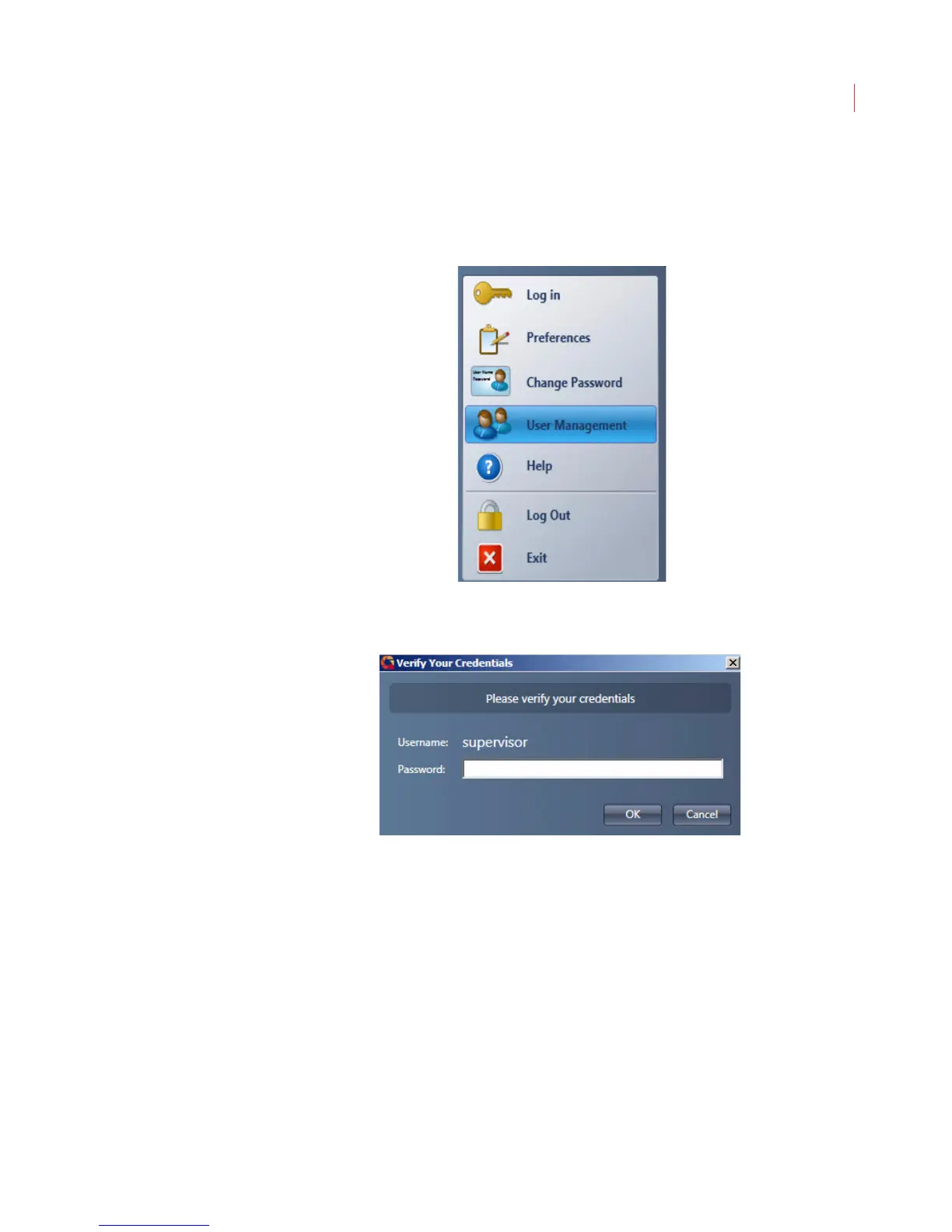
1. Click the VideoIQ button and choose User Management.
2. When the Verify Your Credentials dialog box displays enter your
Password and click OK.
3. When the User Management window appears, select the camera you
want to copy accounts from, then click the Copy User Accounts button.



 To Next Page