VideoIQ User Guide35
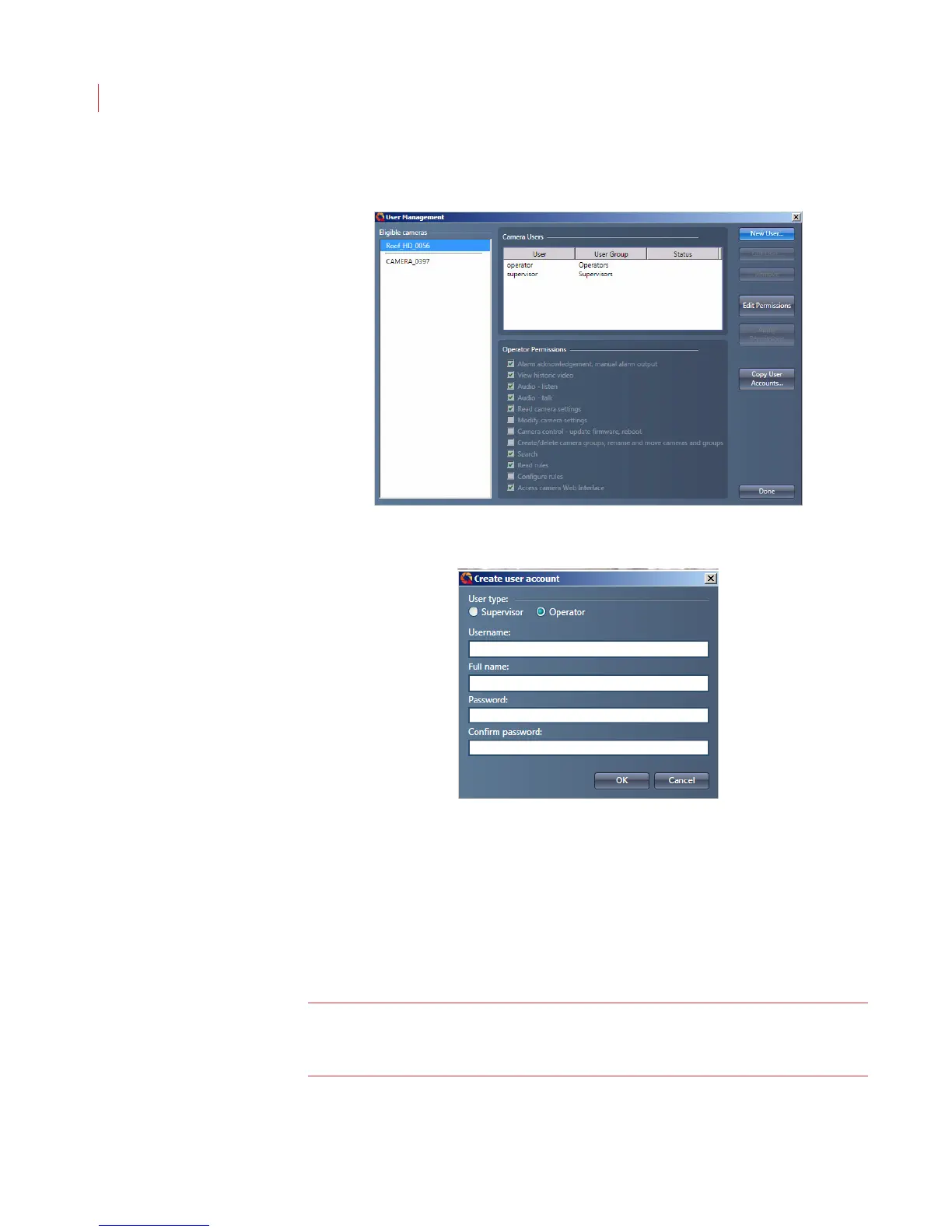
4. Click the New User button.
5. Assign a role to the user by selecting the Supervisor or Operator radio
button.
6. Enter a username.
7. Enter the full name of the user. This field is for your reference and does not
display in the View application.
8. Enter a password for the user. The password must be a minimum of 4
characters, can include both numbers and letters, and is case sensitive.
9. Retype the password in the Confirm Password field.
10. Click OK.
Note: Once you have assigned a username to a user it cannot be changed. If
you need to make a change the username, you will need to delete the
user, then recreate it.



 To Next Page