Administering Cameras
66
7. Select When in Night Mode, reduce resolution to 960 x 540 to reduce
noise.
8. Select When in Night Mode, reduce frame rate to extend the exposure and
capture more light.
9. The Day/Night Threshold Setup settings are for initiating when the change
over from day to night and back again occurs.
Out - Determines when the light level is low enough to move the camera
out of night mode.
In - Determines when the light level is high enough to move the camera
into night mode.
10. Use the White Balance drop-down menu to select a setting for displaying
color depending on lighting conditions.
Use the Reset Video button in the lower right-hand corner of the page to return all
settings to their default value.
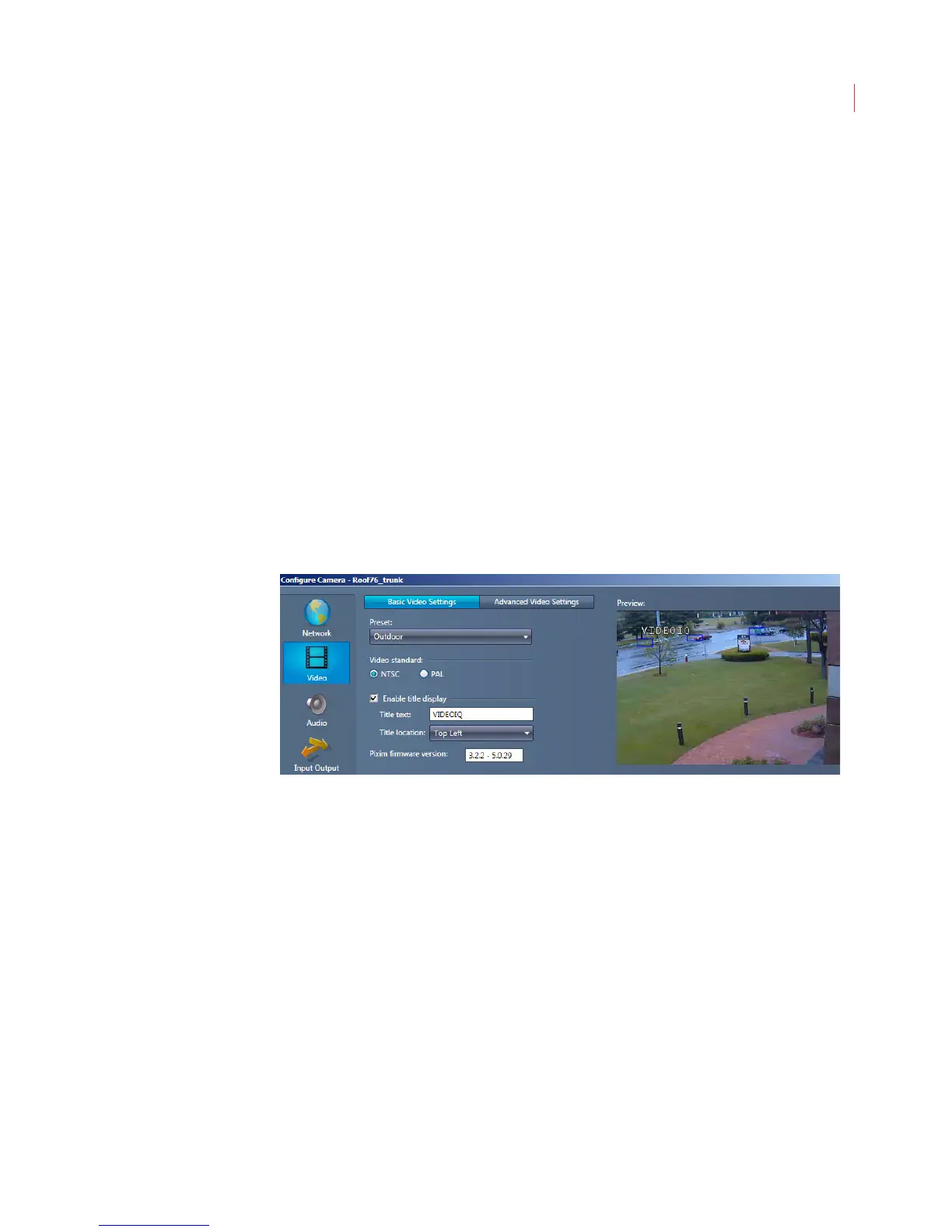
Configuring D1 Basic Video Settings
1. When the Configure Camera window opens, click Video. If you’re using an
Encoder you will not see this button.
2. Use the Preset drop-down menu to choose the setting that most accurately
describes the lighting where the iCVR is located:
Universal: This is the default setting and is ideal for mixed environments,
such as indoors with nearby windows.
Indoor: For indoors with incandescent or high energy lighting.
Fluorescent: For indoors with fluorescent lighting.



 To Next Page