Administering Cameras
68
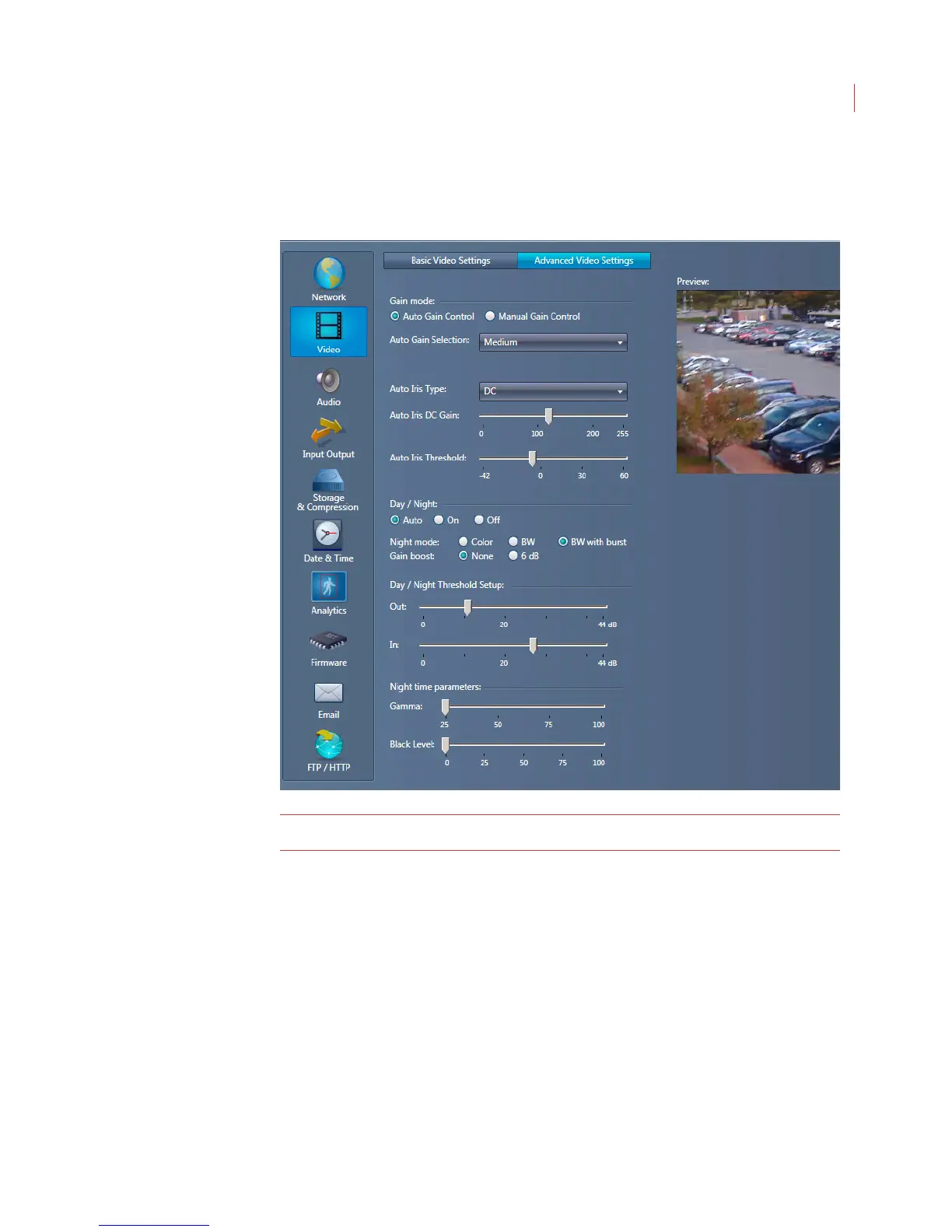
Configuring D1 Advanced Video Settings
When the Configure Camera window opens, click Video, then click the Advanced
Video Settings tab.
Note: The settings on this page should only be configured by an advanced user.
Gain Mode: This function sets the gain level for the video picture.
Auto Gain Control- Use the drop-down menu to select a pre-determined
gain level for the video picture.
Manual Gain Control - Use the slider to specify more or less camera
output for a fixed light environment.
Auto Iris Type:
Manual - Used for manual iris lenses or to keep the iris fully open.
DC - Allows the sensor to automatically open or close the iris to
compensate for the change in lighting conditions.
Auto Iris DC Gain: Adjusts the iris control gain when using a DC iris.
Auto Iris Threshold: Sets the exposure system gain value (in dB) at which the
electronic iris control ends and auto-iris control begins.



 To Next Page