12
Exporting
This chapter describes:
Exporting Full Alarm Events
The Export Page
Copying Alarm Events
Burning Alarm Event Files to CD
Emailing Alarm Events
Playing an Alarm Event
High-quality video of full alarm events can be exported and played outside of
View. Once exported, the files can be copied locally, burned to a CD, or emailed
as an attachment. The files are bundled with their own viewer.
Exporting Full Alarm Events
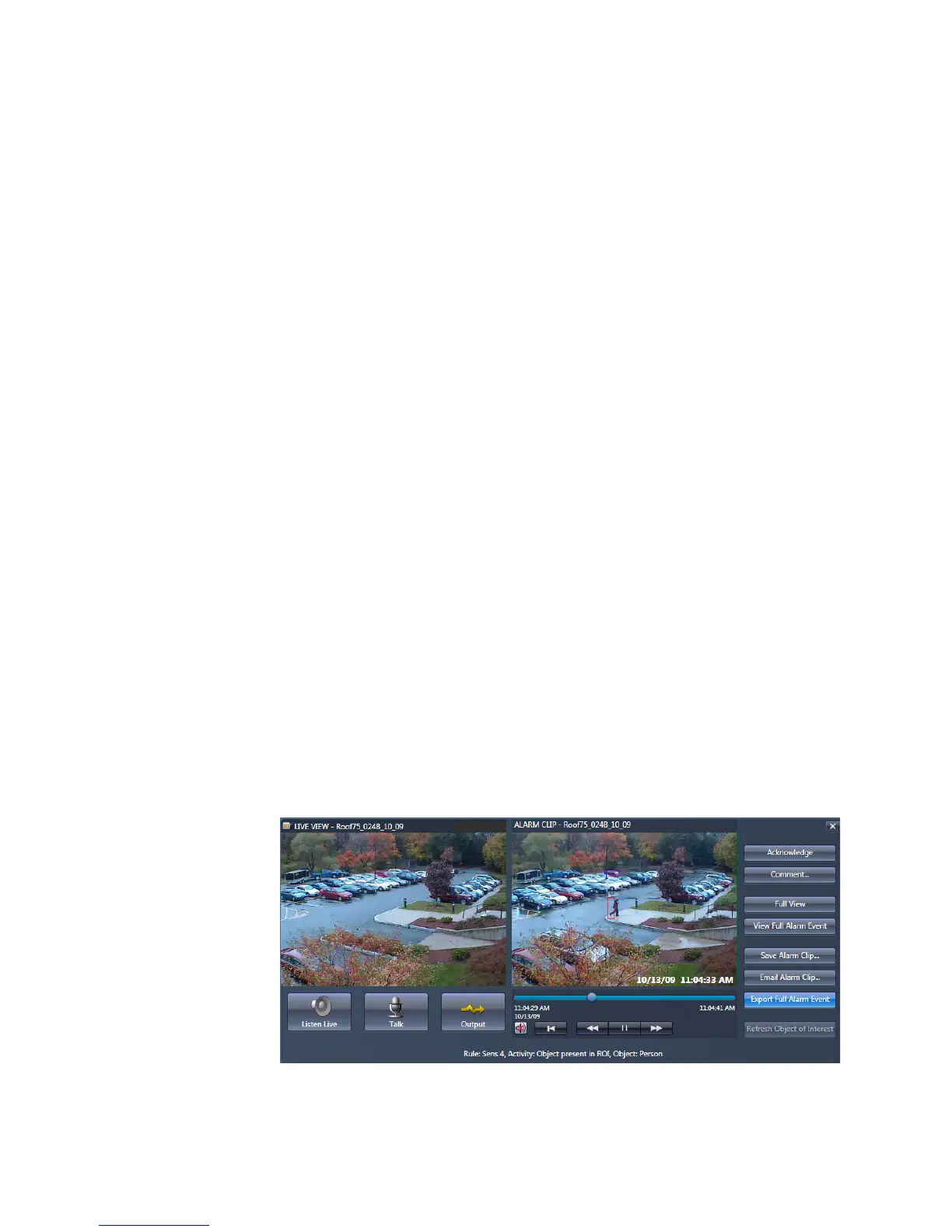
1. On the Alarm page, select the alarm event from the list and click the Review
button. Alternatively you can double-click on the event.
2. Click the Export Full Alarm Event button.



 To Next Page