Administering Cameras
60
Restoring Camera Settings from Backup
You can restore the settings for an iCVR from a backup file if you accidentally
misconfigure it.
To restore camera settings from an archive file:
1. Select a camera from the camera tree and click the Camera Settings button.
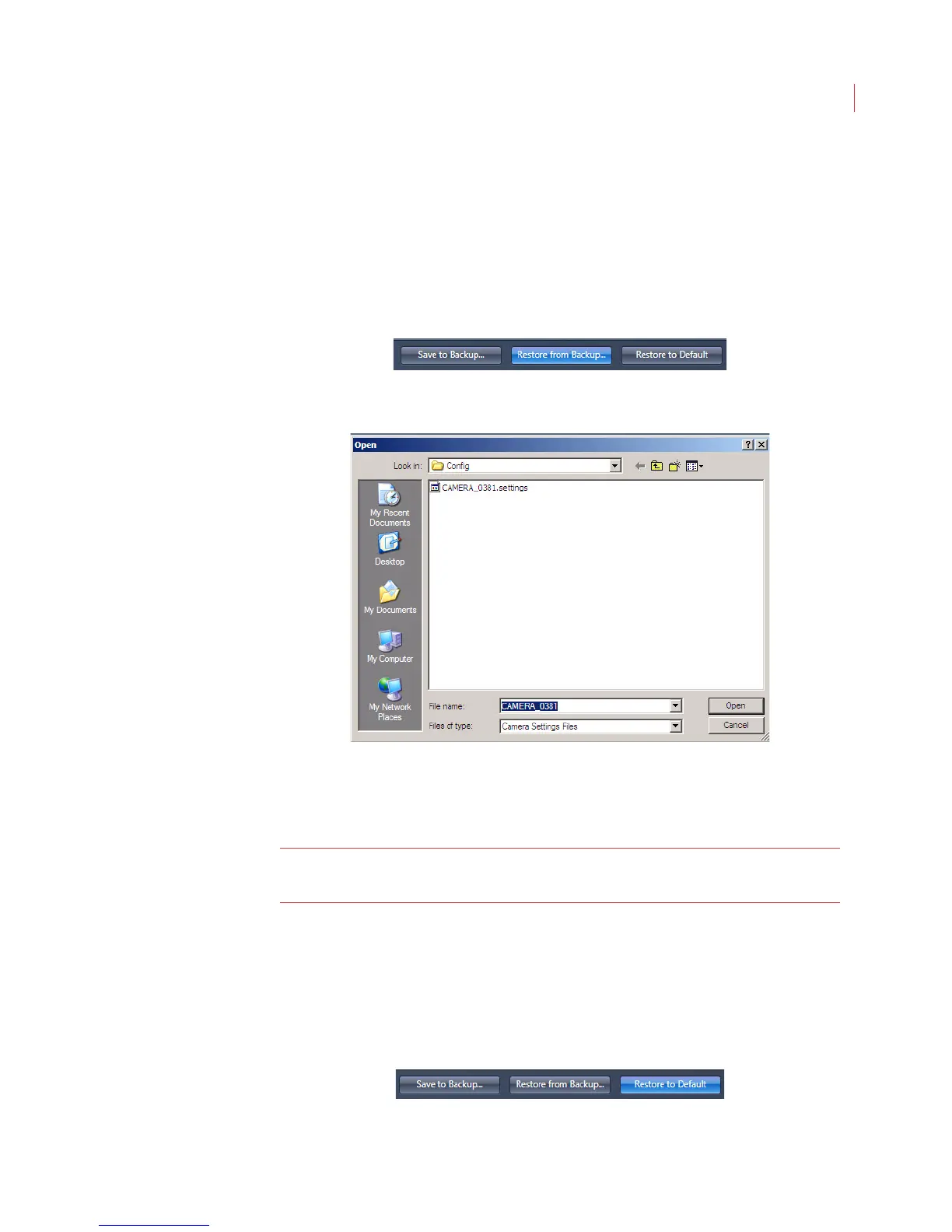
2. When the Configure Camera window appears, click the Restore from
Backup button at the bottom of the screen.
3. When the Open window appears, navigate to the source directory and select
the backup file you want to use.
By default, camera settings files are saved in the C:\VideoIQ
data\Config directory with a .settings file suffix.
4. Click Open.
Note: Restoring camera settings will cause the camera to automatically reboot.
It will be disconnected while rebooting.
Restoring Camera Settings to Default Values
To restore camera settings to their default values:
1. Select a camera from the camera tree and click the Camera Settings button.
2. When the Configure Camera window appears, click Restore to Default
button located at the bottom of the screen.



 To Next Page