User Accounts
38
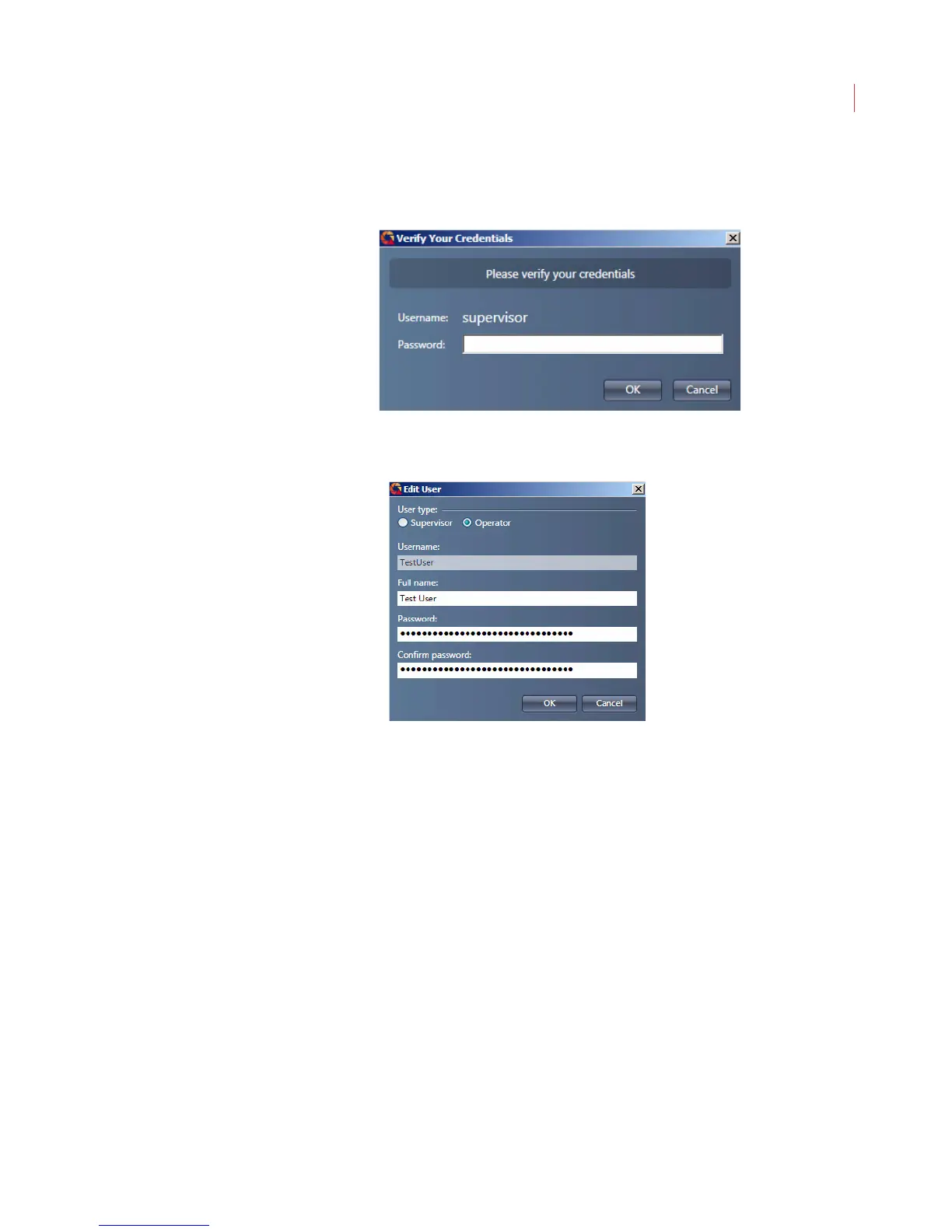
2. When the Verify Your Credentials dialog box displays enter your
Password and click OK.
3. The User Management dialog box displays.
4. Select a user and click the Edit User button.
5. Make changes to the User Type, Full name or Password fields.
6. Click OK.
Deleting a User Account
You can permanently delete any user account, except for the original Supervisor
account.



 To Next Page