Administering Cameras
58
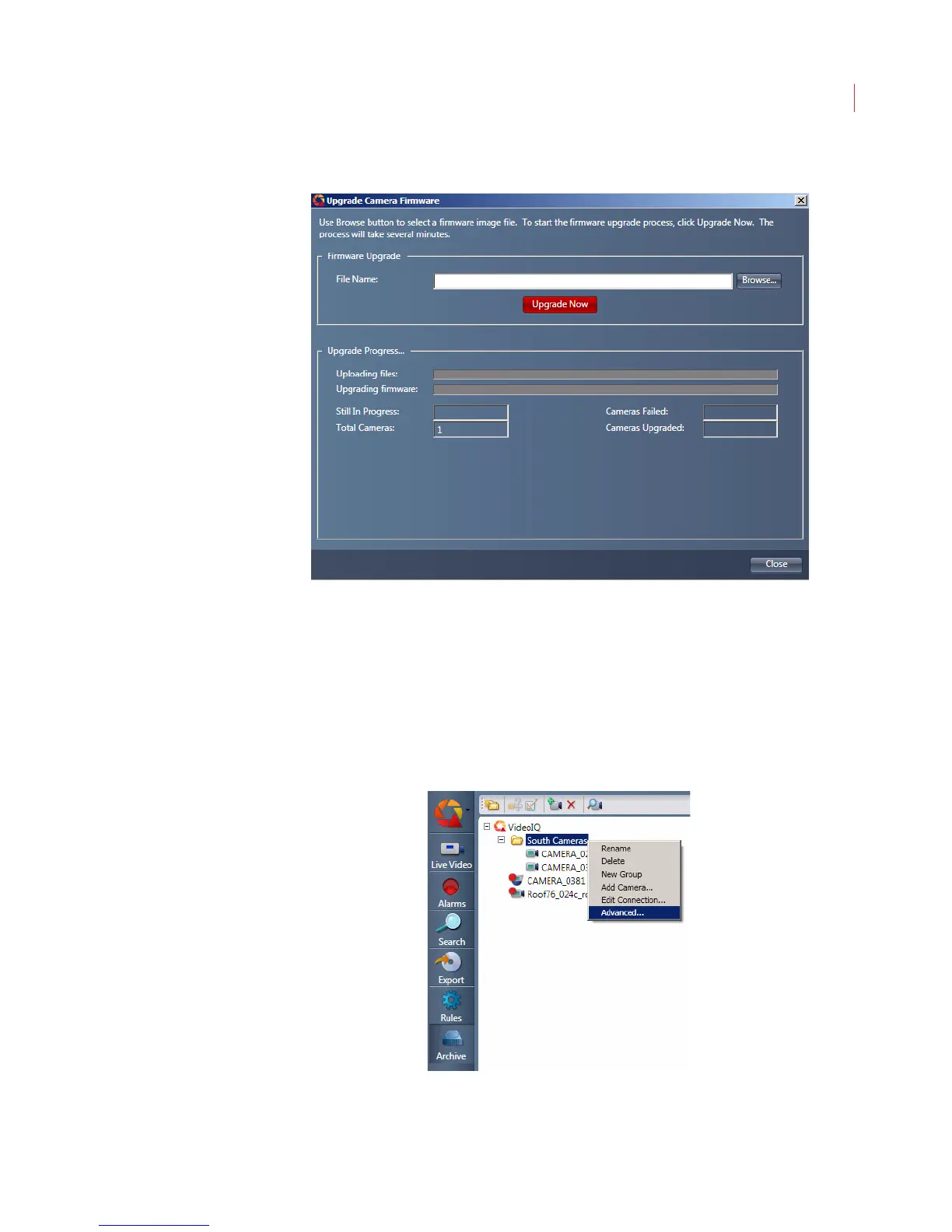
5. The Upgrade Camera Firmware page displays.
6. Use the Browse button to navigate to the directory where the upgrade file is
stored on your local computer.
7. Click the Upgrade Now button.
Upgrading Multiple iCVRs
You can upgrade multiple iCVRs simultaneously when they are in a camera
group:
1. Right-click on the camera group and select Advanced.



 To Next Page