User Accounts
40
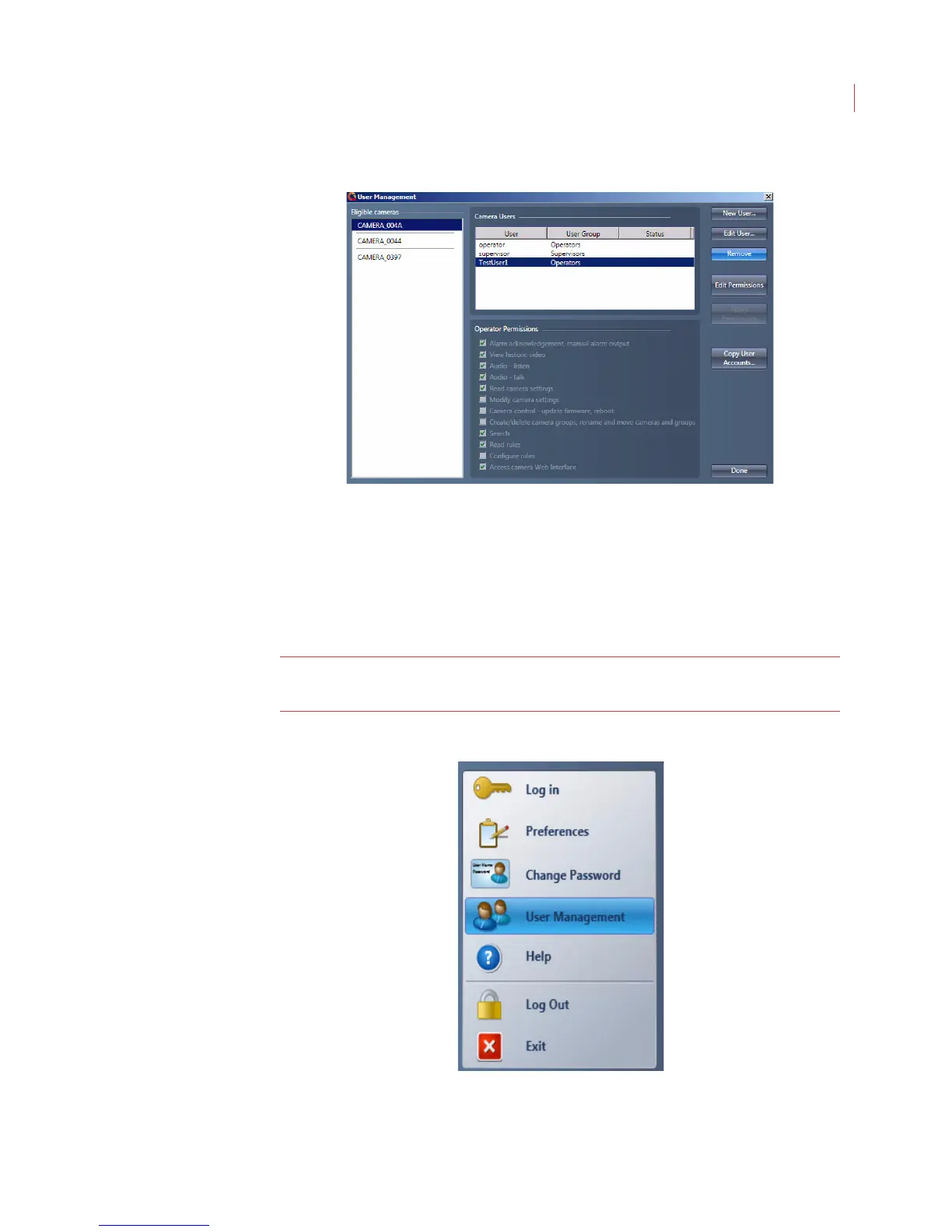
The user is permanently removed from the user list. You will not be prompted to
confirm the deletion.
Modifying User Permissions
Users with supervisor-level permissions can change the permissions that
Operators have to perform specific functions in View.
Note: When you make a change to the Operator Permissions it applies to all
users on the selected camera(s) with the Operator role.
1. Click the VideoIQ button and select User Management.



 To Next Page