VideoIQ User Guide79
Note: If an NTP server is not available or if you have unreliable network
connectivity, you can also use a UniKey USB dongle to maintain accurate
time. To purchase a UniKey dongle, please contact VideoIQ.
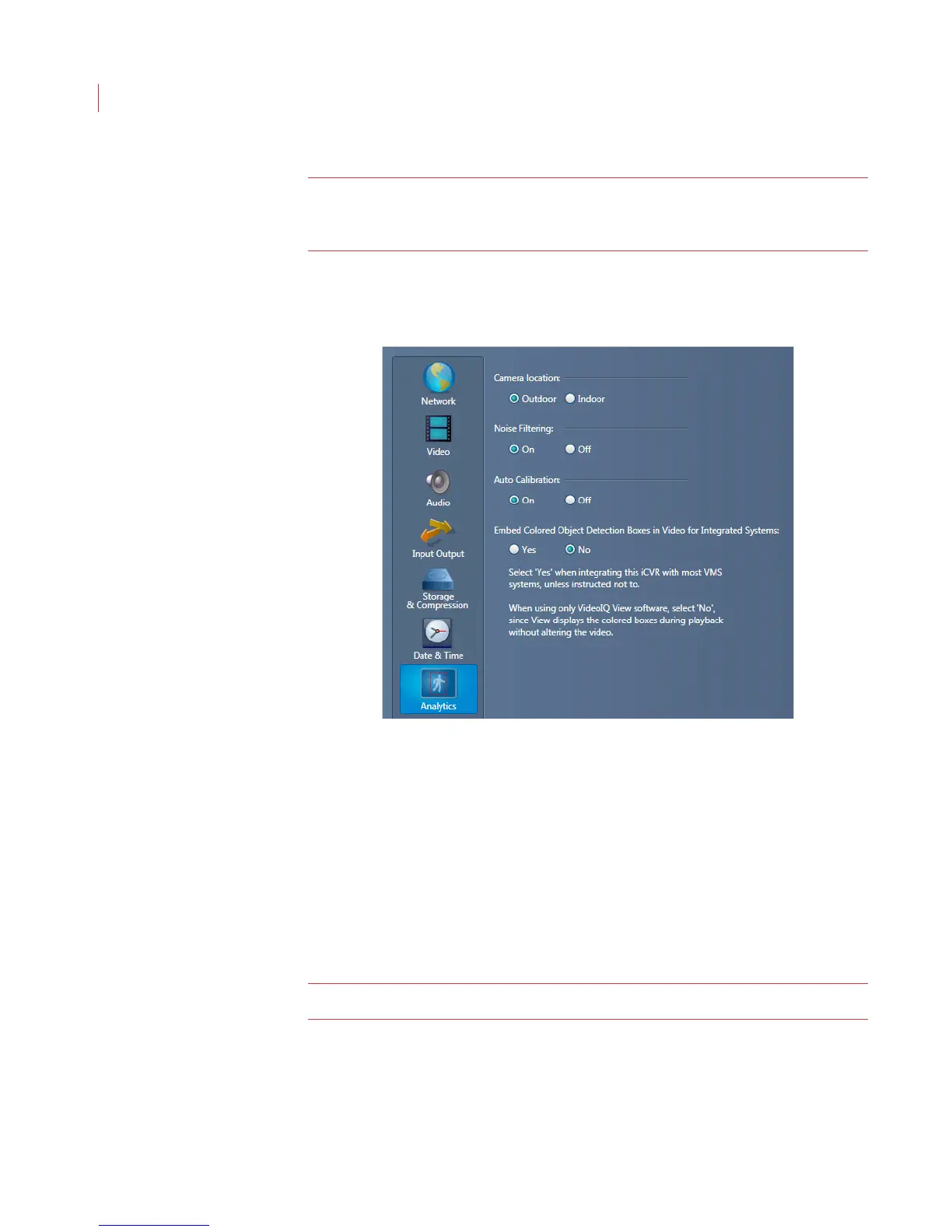
Configuring Analytics Settings
To help improve video analytics, configure the following settings:.
1. Select either Outdoor or Indoor. Selecting Indoor will focus the analytics on
detecting people, including times when they are partially obscured. Indoor
mode does not support vehicle detection.
When you select Outdoor, all objects are detected.
2. Choose to turn Noise Filtering On or Off.
3. Auto Calibration
On:The camera automatically calibrates.
Off: If no humans are expected to be in the camera’s field of view, or
humans and vehicles move on multiple surfaces separated in height, turn
off auto-calibration.
Note: When auto-calibration is turned off you may see more false positives.
4. If you use View to watch and review video clips, select No for Embed
Colored Object Detection Boxes in Video for Integrated Systems. If your
iCVR is integrated with a VMS system, select Yes.
5. Click Apply.



 To Next Page