VideoIQ User Guide53
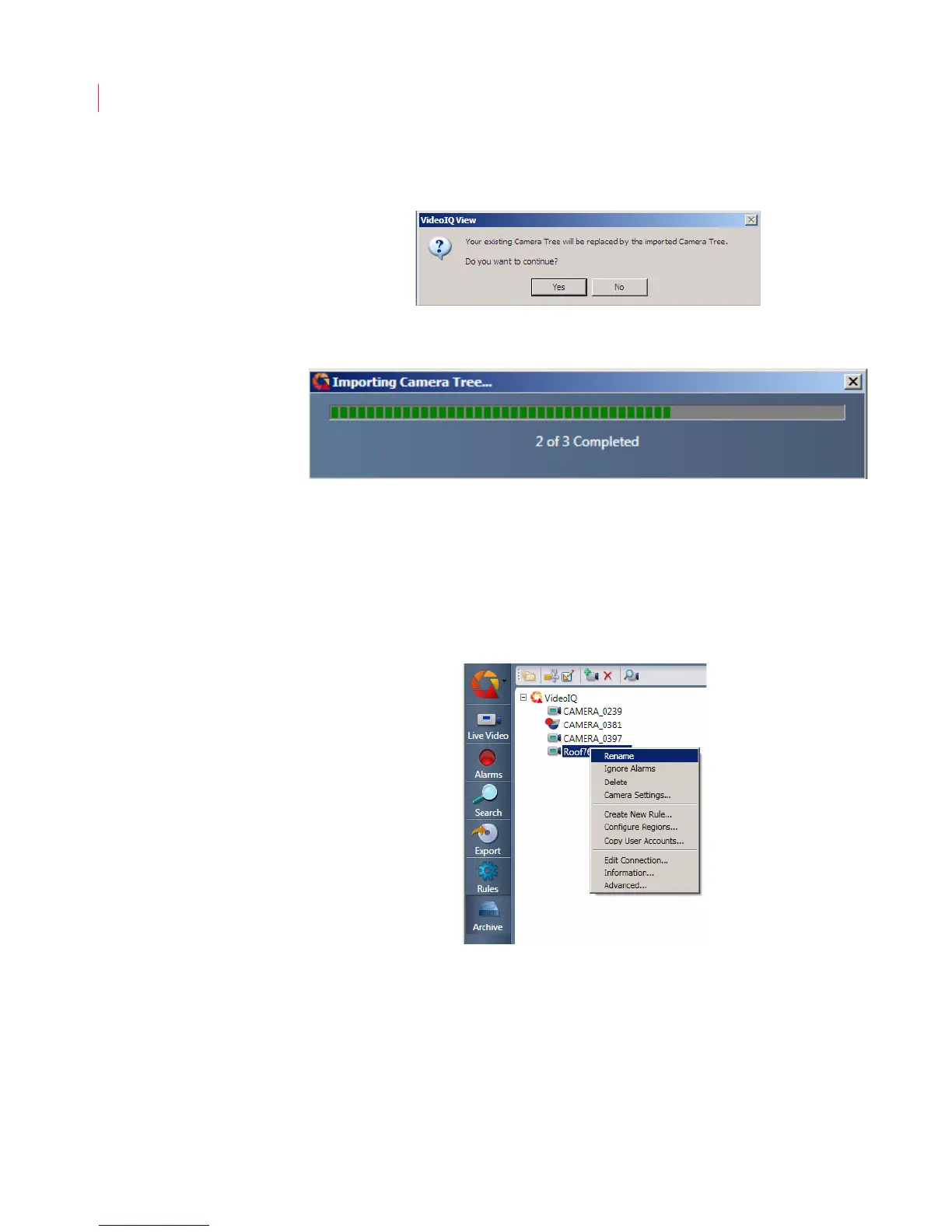
3. A dialog box appears to warn you that any existing camera tree information
will be overwritten with the new file. Click Yes to proceed with the import.
4. The Importing Camera Tree... status bar appears. The status bar disappears
once the import process is complete.
Once the camera tree has been imported the cameras will automatically try to
reconnect. If connection cannot be established a warning message displays in
View.
Renaming a Camera
To rename a camera:
1. Right-click a camera and choose Rename.



 To Next Page