VideoIQ User Guide126
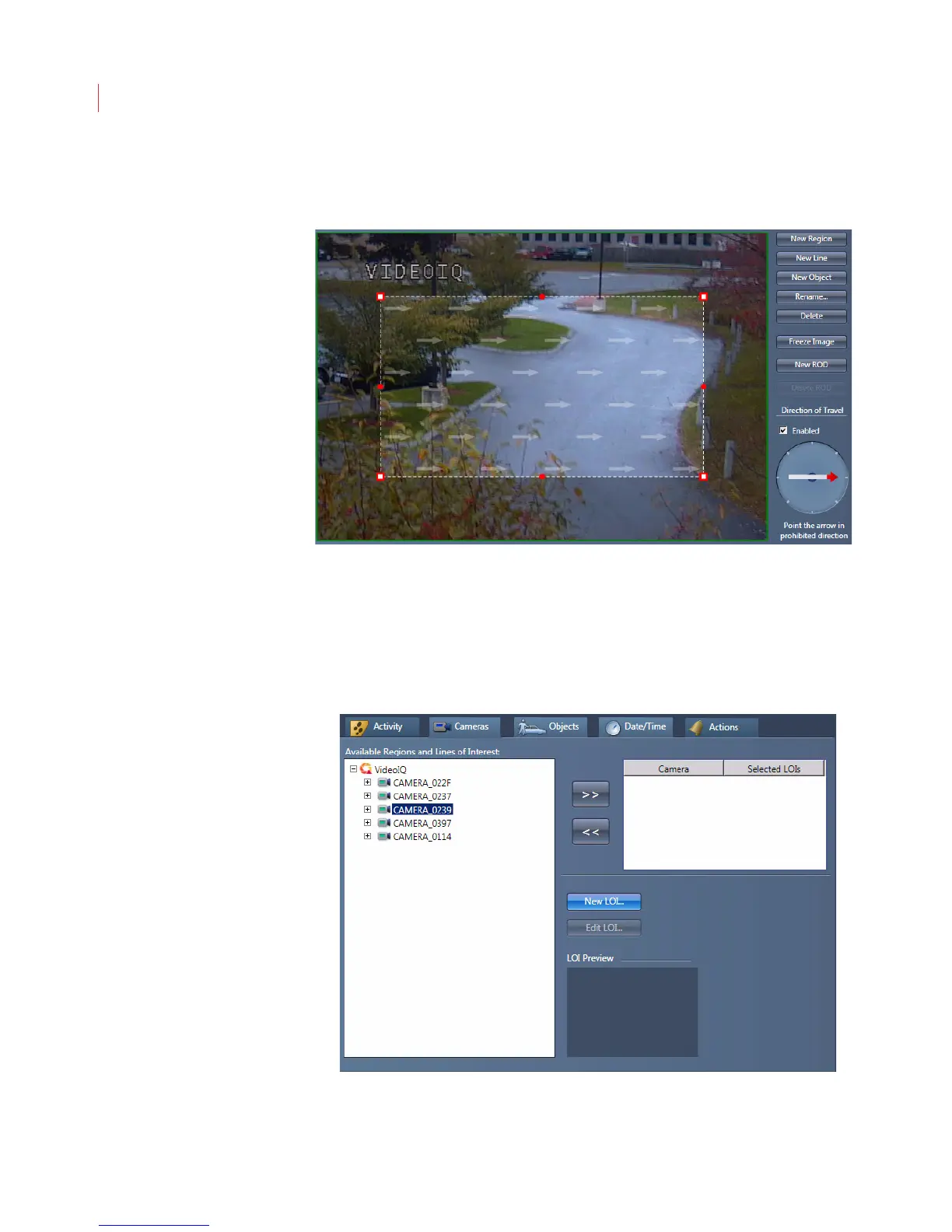
6. If you want to create a direction of travel rule, click the Enabled checkbox and
use the direction wheel on the lower right to specify the direction in which a
moving object will generate an alarm.
7. Click OK.
Configuring a Line of Interest
1. Create an Object crosses a Line of Interest rule.
2. Click the Cameras tab and select an iCVR from the Available Regions and
Lines of Interest field. Click the New Line button.



 To Next Page