Using the View Interface
29
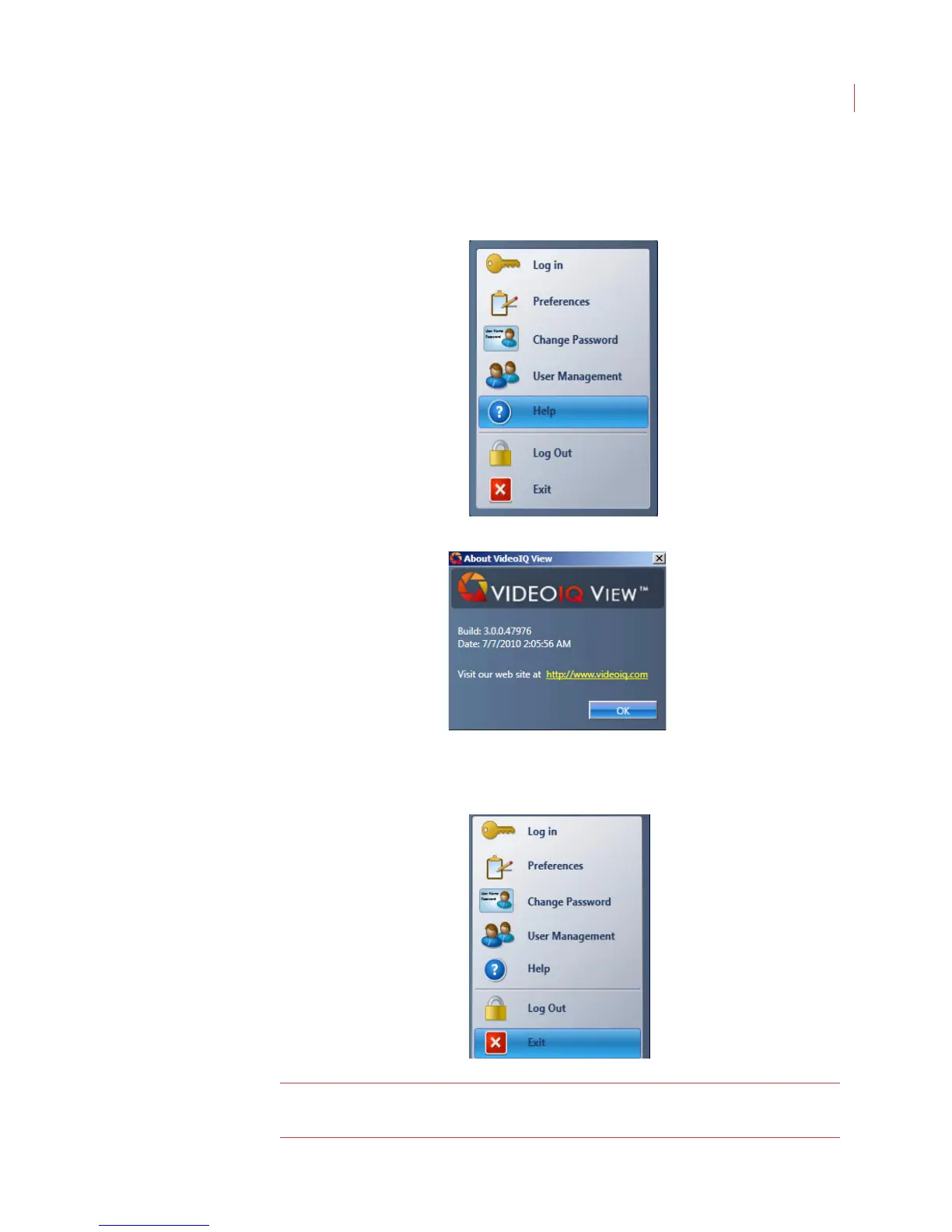
Displaying Version Information
You can display version information for your View software by selecting Help from
the VideoIQ menu.
The application version number displays:
Exiting the View Application
To exit the View application, choose Exit from the VideoIQ menu.
Note: Closing the View application has no impact on the iCVRs running on your
network.



 To Next Page