Administering Cameras
70
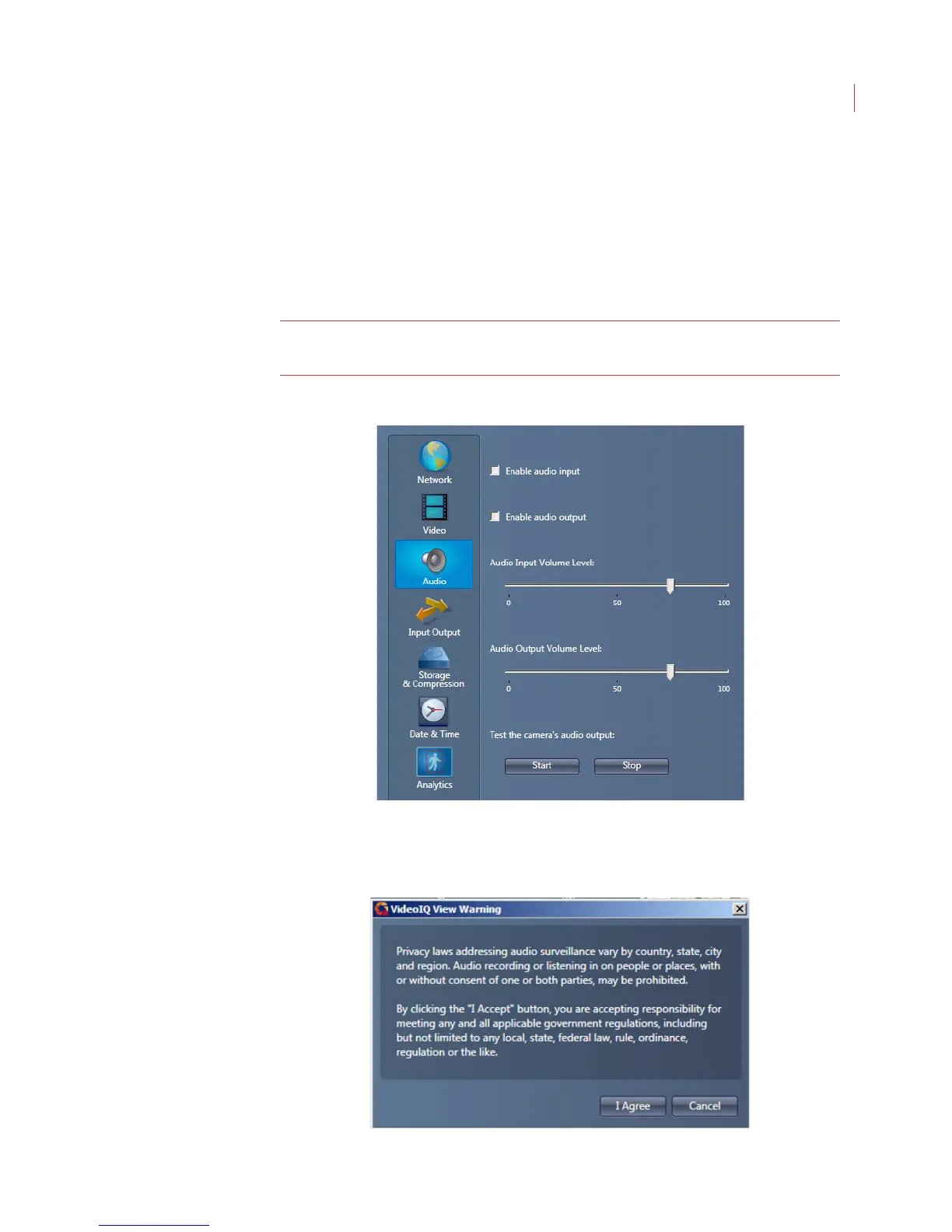
Configuring Audio Input and Output
This section describes how to configure the audio input and output features of the
camera.
To record or listen to live audio at the camera an amplified speaker must be
connected to the audio jack. A Y cable is required to use of both audio in and
audio out.
Note: To capture audio on any alarm event you must check the Record audio
box on the Actions tab of a rule
Configuring Input
1. Check the Enable audio input box
2. Read and accept the privacy warning.



 To Next Page