Administering Cameras
50
Note: The port number after the RTSP port is reserved by the camera for
internal use. When configuring View, one empty port must be allowed
between the RTSP and the Audio Output port.
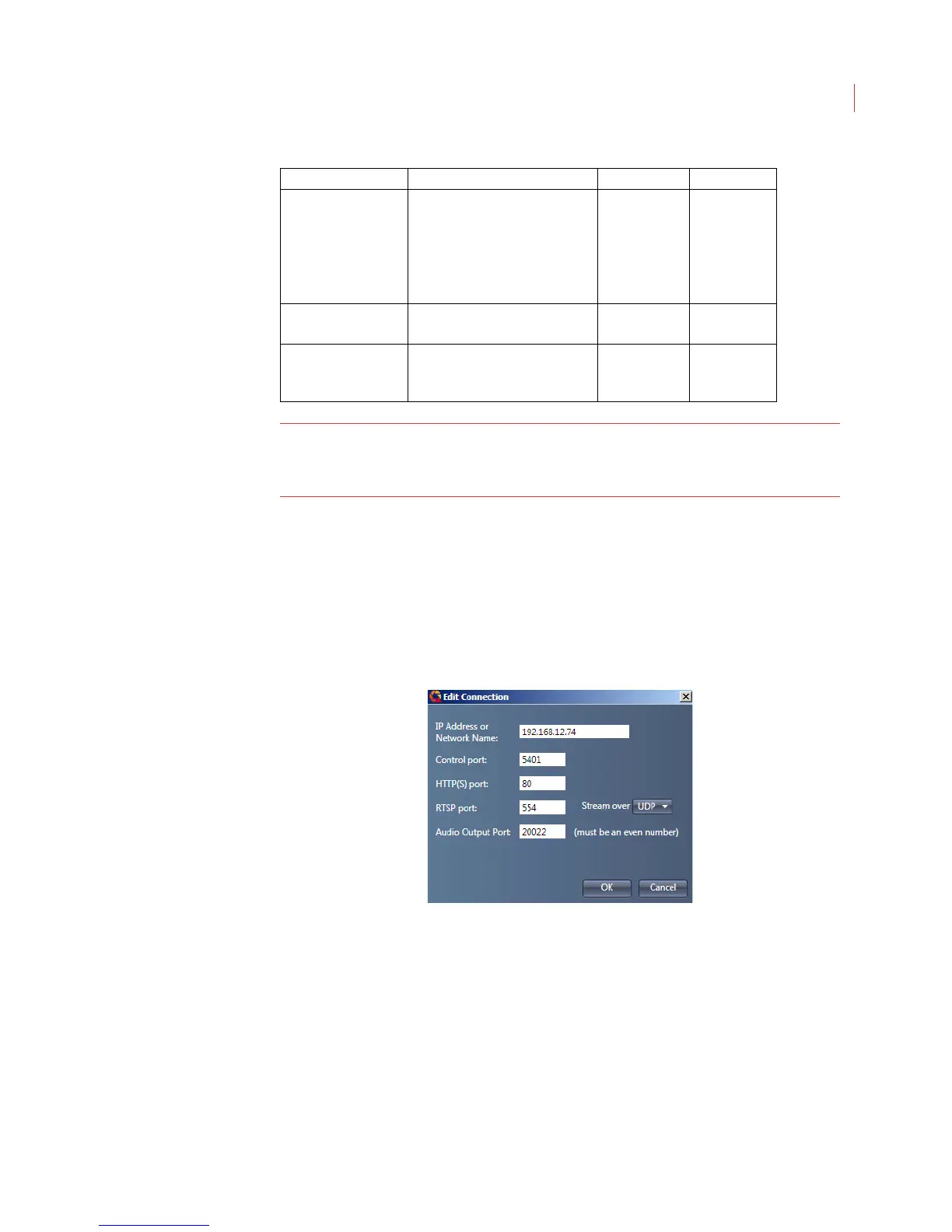
Edit Connections
You can change the port numbers or streaming protocol once a camera has been
added to the camera tree:
1. Select the camera in the camera tree.
2. Right-click on the camera and select Edit Connections.
Exporting and Importing the Camera Tree
When you have multiple PC’s running View you can export the camera tree from
one instance of View and import it into subsequent instances of View. Exporting
the camera tree exports the cameras and/or camera groups, and all camera
connection information to a file.
To export the camera tree:
1. At the top of the camera tree right-click on VideoIQ.
HTTP Port File transfer and web access
to the camera take place
through this port. Choose to
run the camera over HTTP or
HTTPS.
80 TCP
RTSP Port Data that controls the video
stream goes through this port.
554 UDP and TCP
Audio Output Port When a speaker is attached to
the iCVR, audio transmits
through this port.
20022 UDP and TCP
Port Function Default Value Type



 To Next Page