Administering Cameras
56
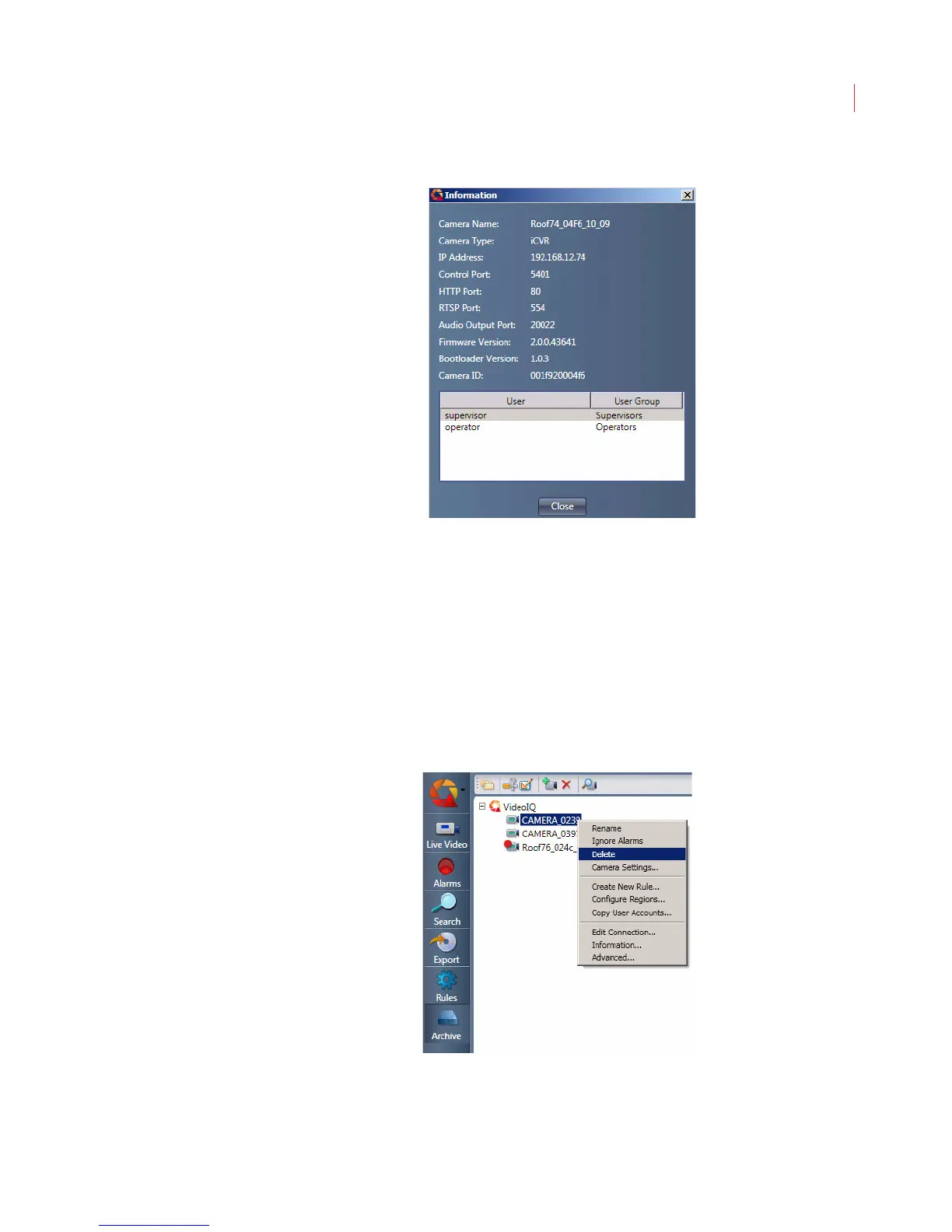
1. Right-click the camera and choose Information.
The Camera Information window displays the name, IP address, port settings,
firmware version, and user list for the selected camera.
2. Click Close when you are finished.
Deleting a Camera From the Camera List
To delete a camera from the camera list:
1. Select the camera;
Alternatively you can right-click on the camera and choose Delete:
2. Confirm the deletion.
Once you’ve deleted a camera it won’t be available again until you add it or it’s
auto-discovered.



 To Next Page