Administering Cameras
62
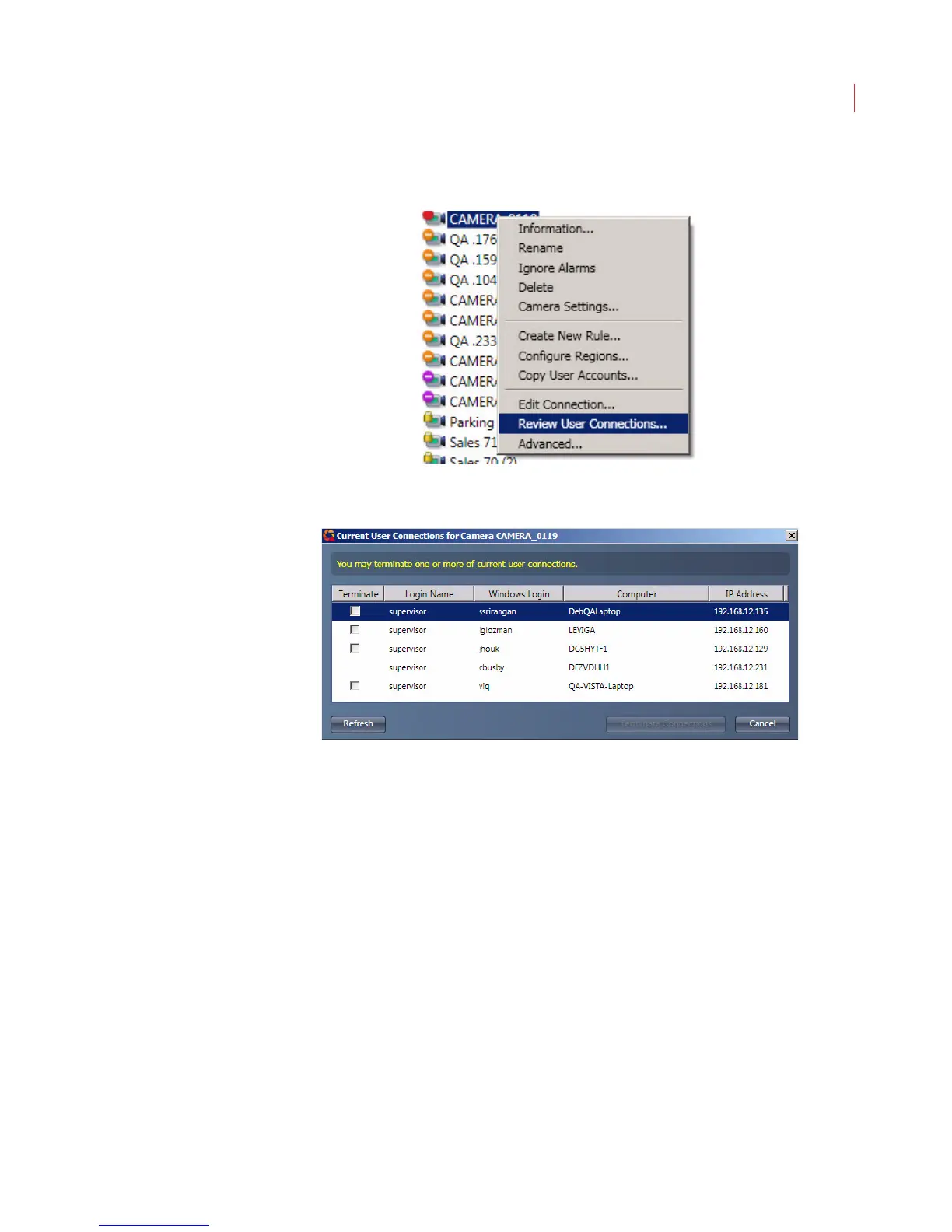
1. Right-click on the camera in the camera tree and choose Review User
Connections.
2. The Current User Connections dialog displays, listing the users currently
logged into the camera.
To disconnect one or more users check the box next to the name(s), then click the
Terminate Connections button.
Configuring Camera Settings
To configure camera settings, select the camera or group from the list and click
the Camera Settings button in the toolbar.
Alternatively, you can right-click on the camera and choose Camera Settings.



 To Next Page