Administering Cameras
64
If you want to specify the host name for your camera, click Use the
following hostname and specify the host name for the camera.
5. If you don’t want to use the default network ports for communication between
the camera and local server, enter the new port information in the Network
Ports fields.
6. Specify the type of HTTP(S) Authentication to be used:
Basic: When used with HTTP the user names and passwords in the clear
via an unencrypted connection.
Digest: Username and password are hashed prior to being sent across
the unencrypted connection.
7. Click OK.
Configuring Advanced Network Settings
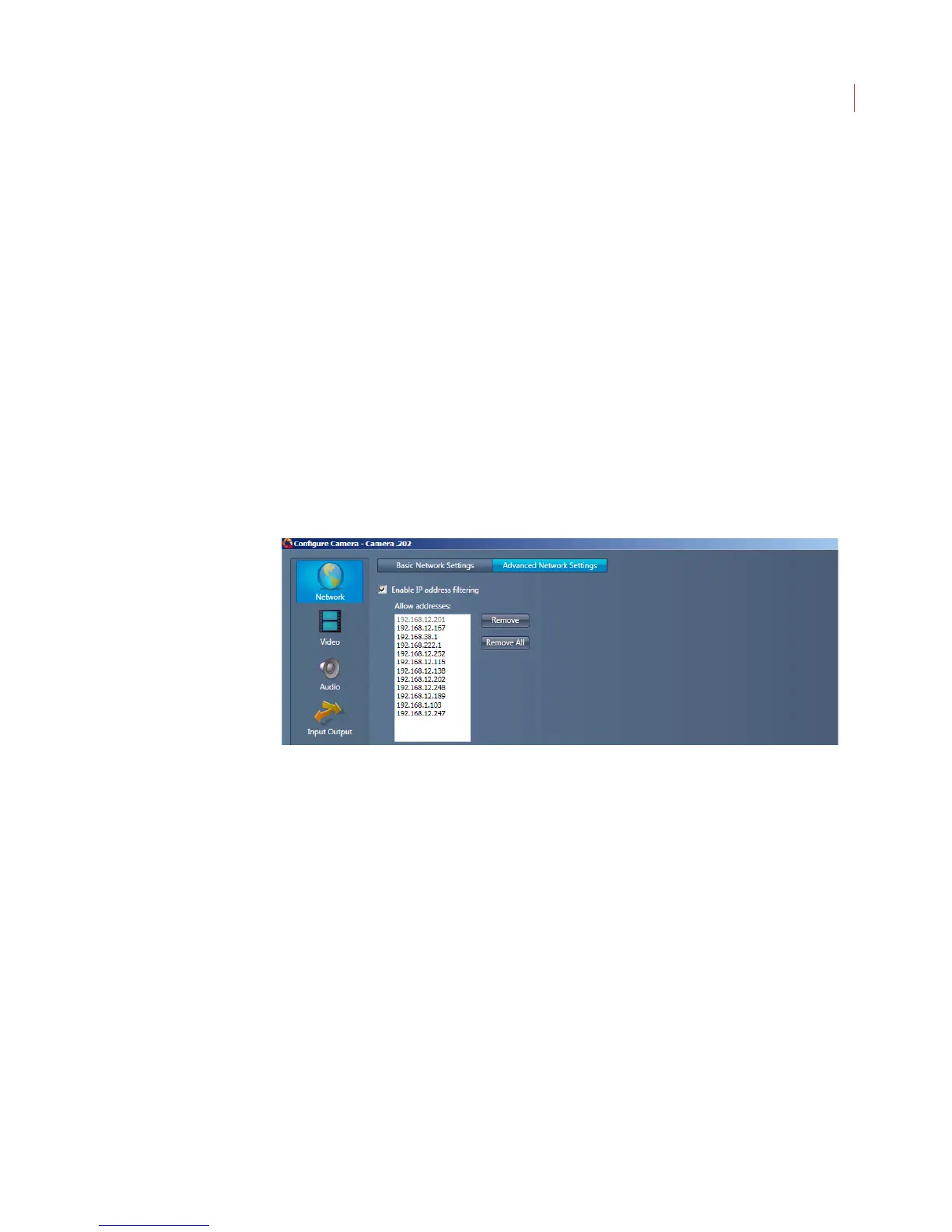
The Advanced Network Settings window lets you control what IP addresses can
communicate with a camera. To filter addresses:
1. When the Configure Camera window opens, click Network.
2. Click the Advanced Network Settings tab.
3. Check the Enable IP address filtering box.
4. Click in the Allow addresses field and type the IP address.
5. Click Apply.
The camera will now communicate only with the IP addresses specified.



 To Next Page