VideoIQ User Guide67
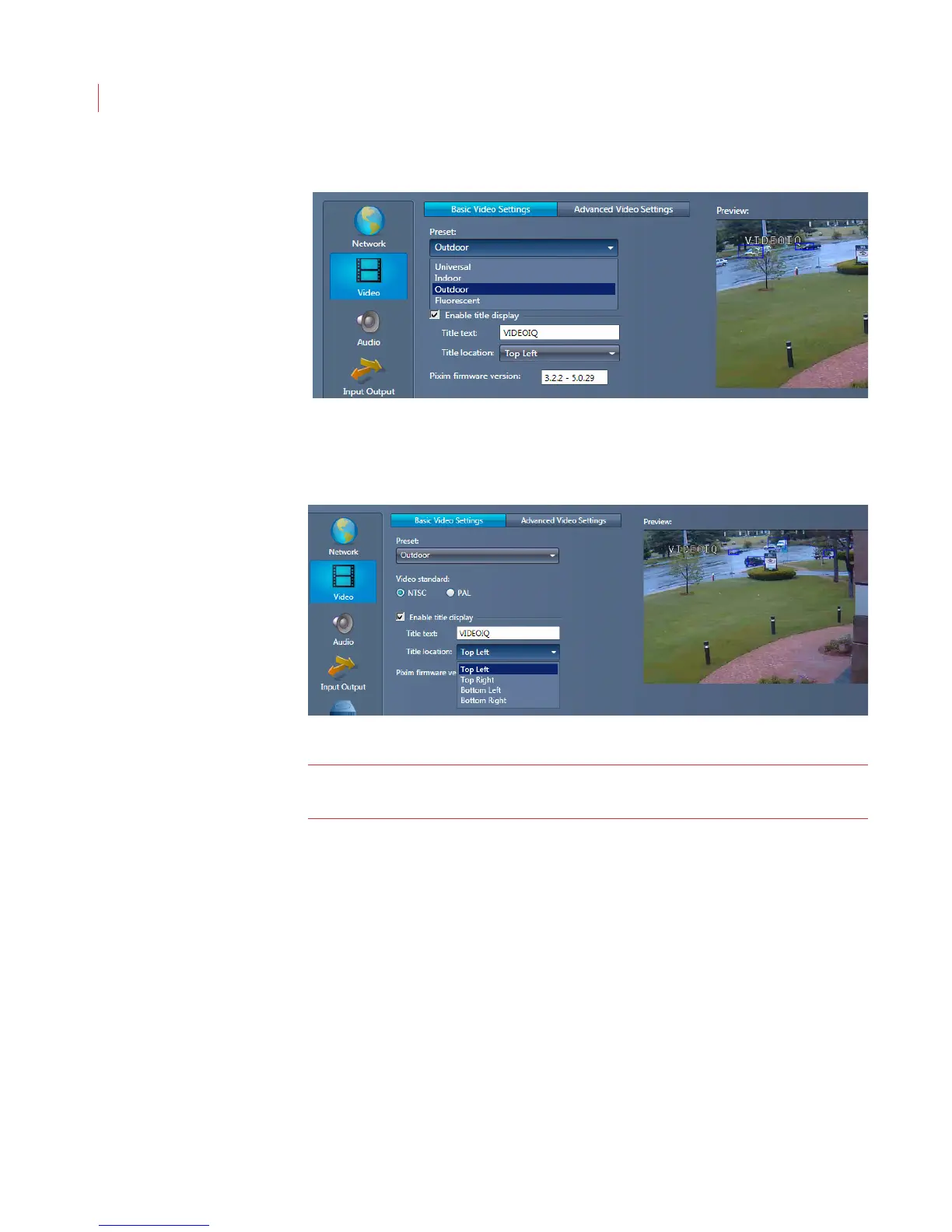
Outdoor: For all outdoor applications.
3. Determine the analog video output by clicking NTSC or PAL.
4. Check the Enable title display if you want to add a title to the video window.
Enter the desired text in the Title text field and use the Title location drop-
down menu to indicate where on the window the title should display.
Note: The location of the title text should not block areas where the camera is
expected to detect objects.
5. Pixim Firmware version - This field is used for VideoIQ technical support
troubleshooting only.



 To Next Page