Viewing Live Video
86
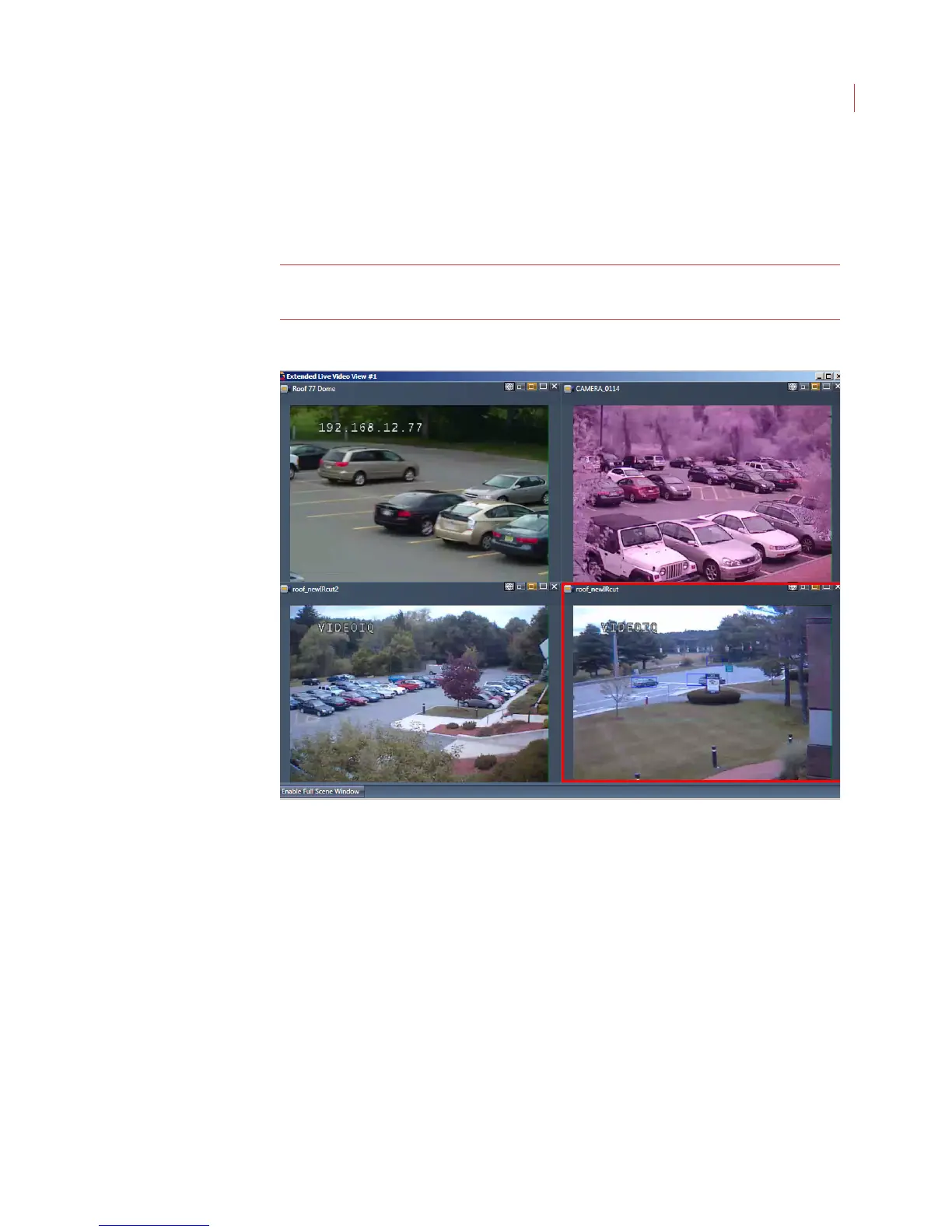
You can add cameras or groups to the Extended Live Video window by double-
clicking on them in the camera tree or dragging them from the main View window.
Camera windows can be moved between the main View window and the
Extended Live Video window.
Note: A camera cannot display on both the main View window and on the
Extended Live Video window.
The cameras on the Extended Live Video show in the camera tree and alarm
event panel of the main View window.
If you minimize the Extended Live Video window you can restore it by clicking the
Extended Live View button in the View toolbar.
When you use the zoom controls or IQTrack feature with a camera window
displaying on the Extended Live Video window, a full scene window will also
display.
The extended View window closes when you exit View.



 To Next Page