Web Access to Cameras
141
Audio streaming
When you use this streaming protocol, separate ports for RTSP and
Audio are no longer required.
Audio Settings
When using a non-default port for streaming audio, enter the port number
in the Audio port field.
From the drop-down menu, select the sound to play when Alarm Input 1
and/or Alarm Input 2 are active.
VIsual Settings
Check Show Alarm I/O toolbar to view the Input Alarms, Talk button and
Output button at the top of each page.
Click the Submit button after making changes to this page.
Note: All preferences are saved as browser cookies. If the cookies are deleted
the preferences will need to be reconfigured.
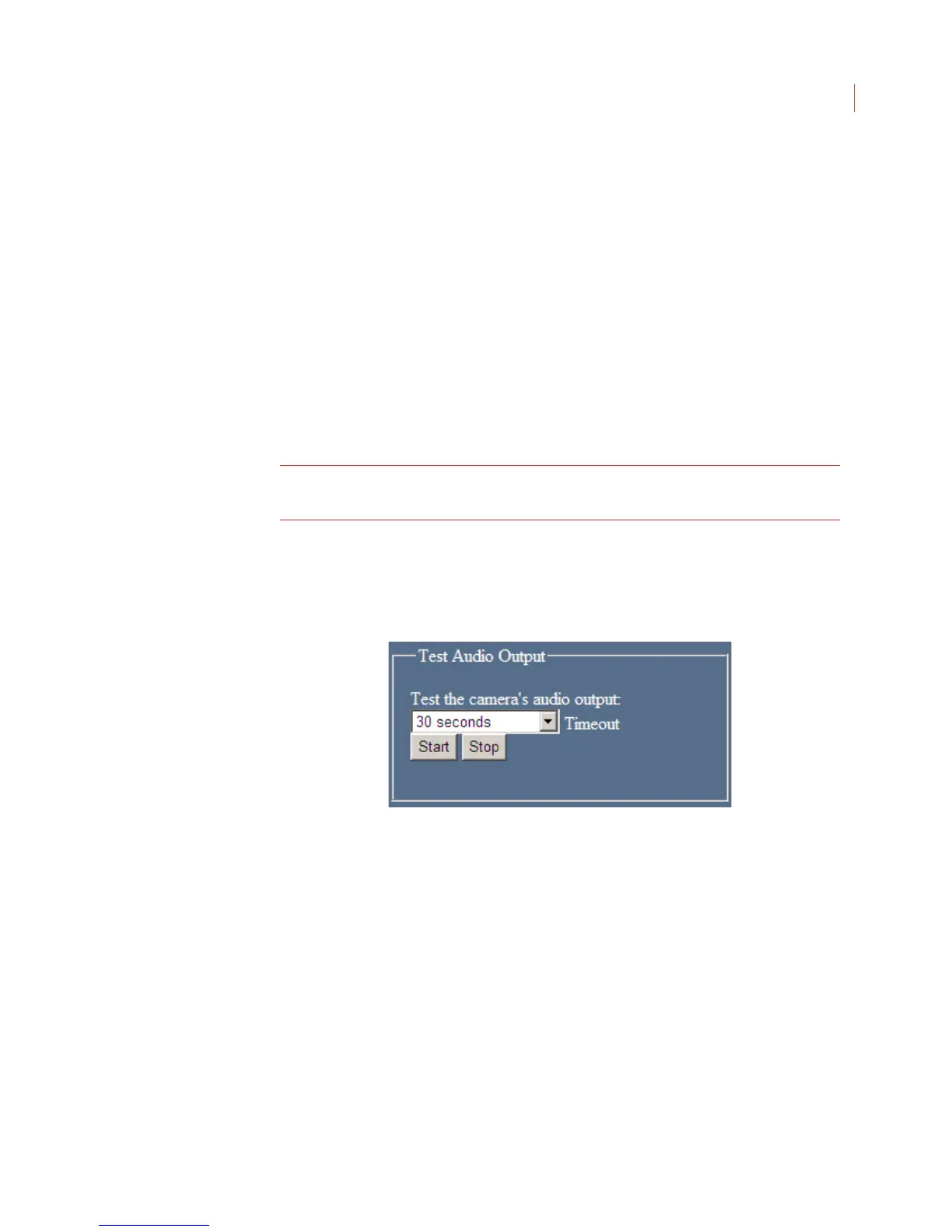
Test Audio Output
This function allows you to adjust speaker volumes while a test sound plays for a
selected amount of time.
1. Select the duration of the test sound by choosing a time from the Timeout
drop-down menu.
2. Click the Start button.
3. Adjust the volume of the speakers attached to the camera.
4. Click the Stop button.



 To Next Page