VideoIQ User Guide23
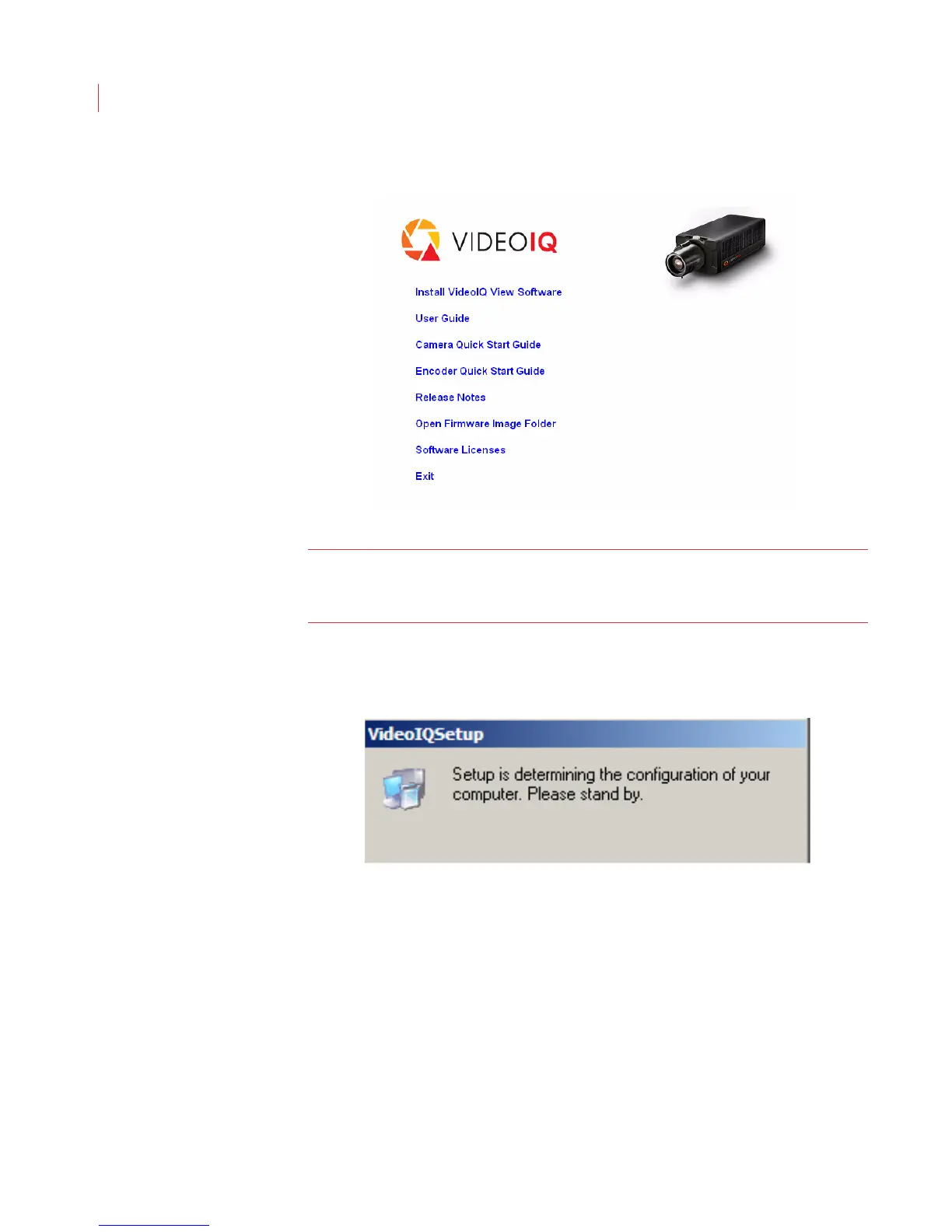
2. When the installer window appears, click Install VideoIQ View Software.
Note: If the installer does not automatically start, your auto-play feature may be
disabled. Access the installation CD directly and double-click the
VideoIQViewInstaller application icon.
3. The VideoIQ View installer reviews the software installed on your
computer to determine its installation requirements.



 To Next Page