VideoIQ User Guide31
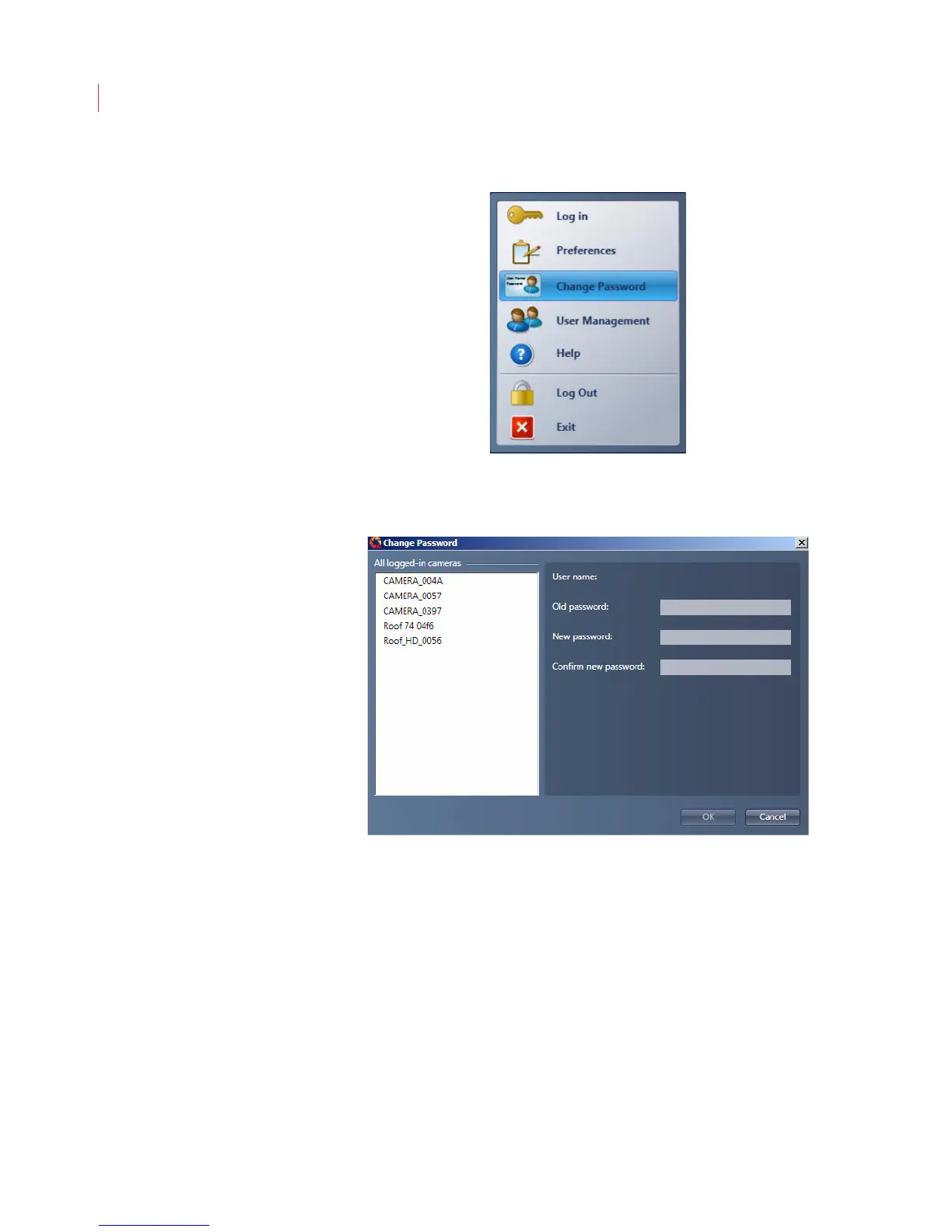
2. When the Change Password dialog displays select the cameras where
you to want to change the password
.
3. Enter the old and new passwords. The password must be a minimum of 4
characters, can include both numbers and letters, and is case sensitive.
4. Confirm the new password.
5. Click OK.



 To Next Page