Viewing Live Video
88
5. Set the number of seconds to keep a live alarm window open.
6. Click OK.
7. Click the Live Alarm button on the View toolbar.
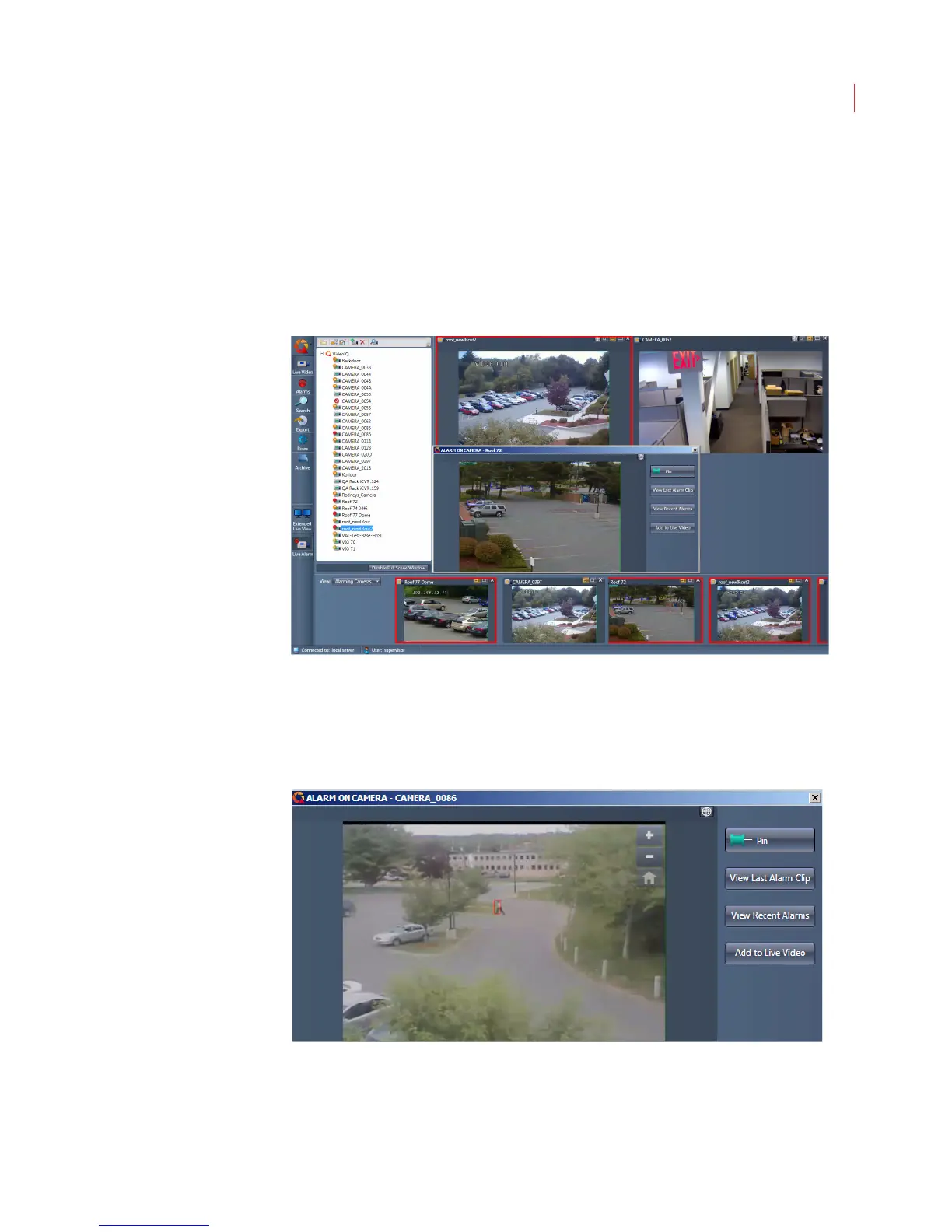
Once the Live Alarm button has been selected, the pop-up alarm window will
begin displaying on top of the main View window. You can move the window by
clicking the title bar and dragging the window to a new location
The zoom buttons and IQTrack functionality are available on the live alarm pop-up
window. Depending on the camera’s settings you may also see the Listen, Talk or
Output buttons.
Pin: When an alarm window is pinned it will remain open until it’s
unpinned. If an alarm occurs on a different camera, the alarm window
displays in red in the alarm events panel. When an alarm window is not



 To Next Page