Videojet DataFlex 6530 Operator Manual - Rev AA 5-3
CLARiTY Operating System
The Home screen allows the user to access the below options:
Buttons Description
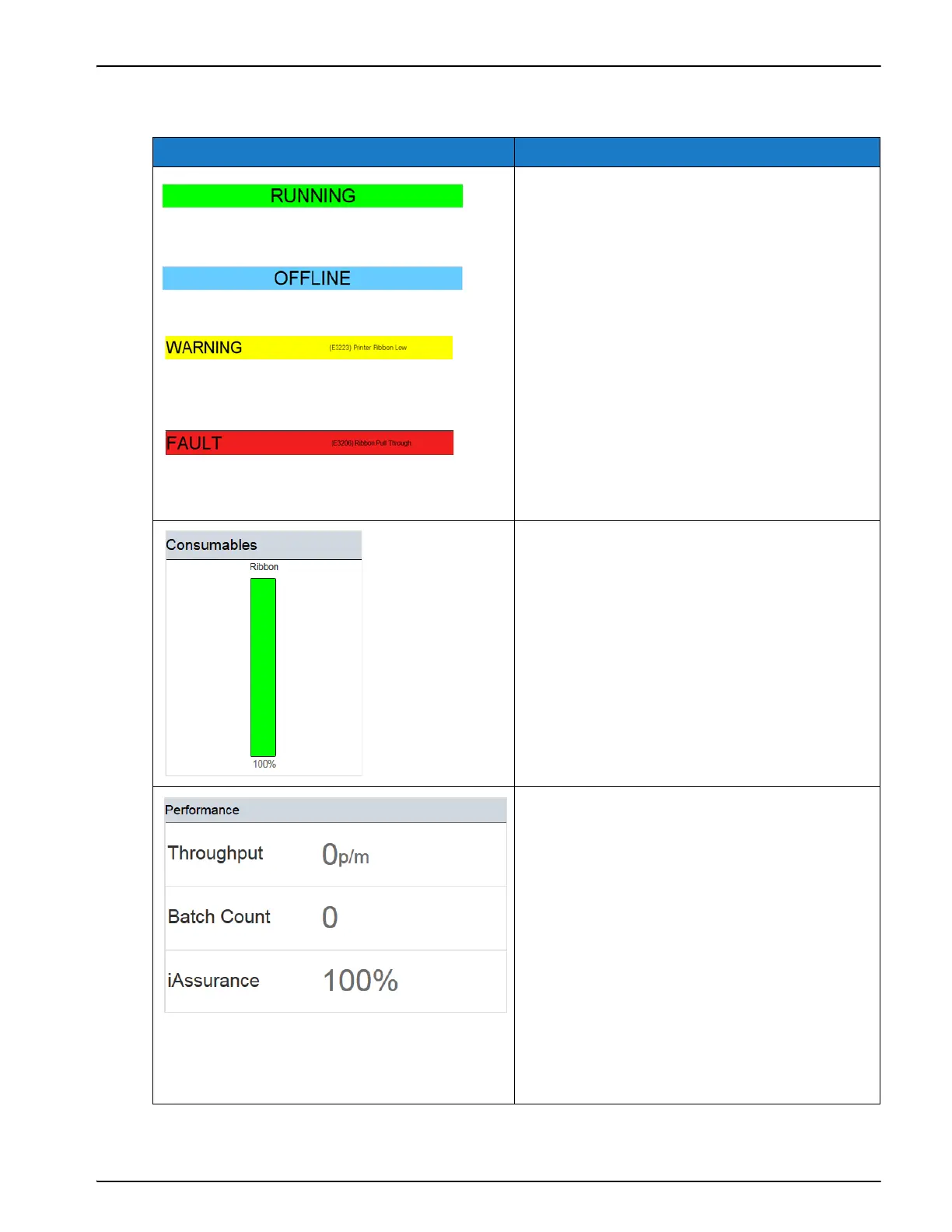
Displays the status of the printer.
•RUNNING: Printer is switched on and
ready to print when the proper print
trigger is received.
• OFFLINE: Printer is switched on but not
ready to print.
• SHUTDOWN: Power to the printhead is
disabled and the printer is not ready to
print.
• WARNING: Warnings are available that
the Operator should be aware of, the
printer is not prevented from operating.
•FAULT: Faults are available that the
Operator should rectify, before the printer
can start.
Displays the Consumables screen showing
ribbon information. For more information,
refer “Consumables” on page 5-4.
Displays the following printer performance
information:
• Throughput: Throughput of the printer in
prints per minute since the current Job
was loaded.
• Batch Count: Number of prints since the
current Job was loaded.
• iAssurance: Percentage of good prints
detected.
Selecting this area opens the Performance
screen showing additional statistical
information on the printer. For more
information, refer “Performance Screen” on
page 5-6.
Table 5-2: Home Screen



 To Next Page