Videojet DataFlex 6530 Operator Manual - Rev AA 5-27
CLARiTY Operating System
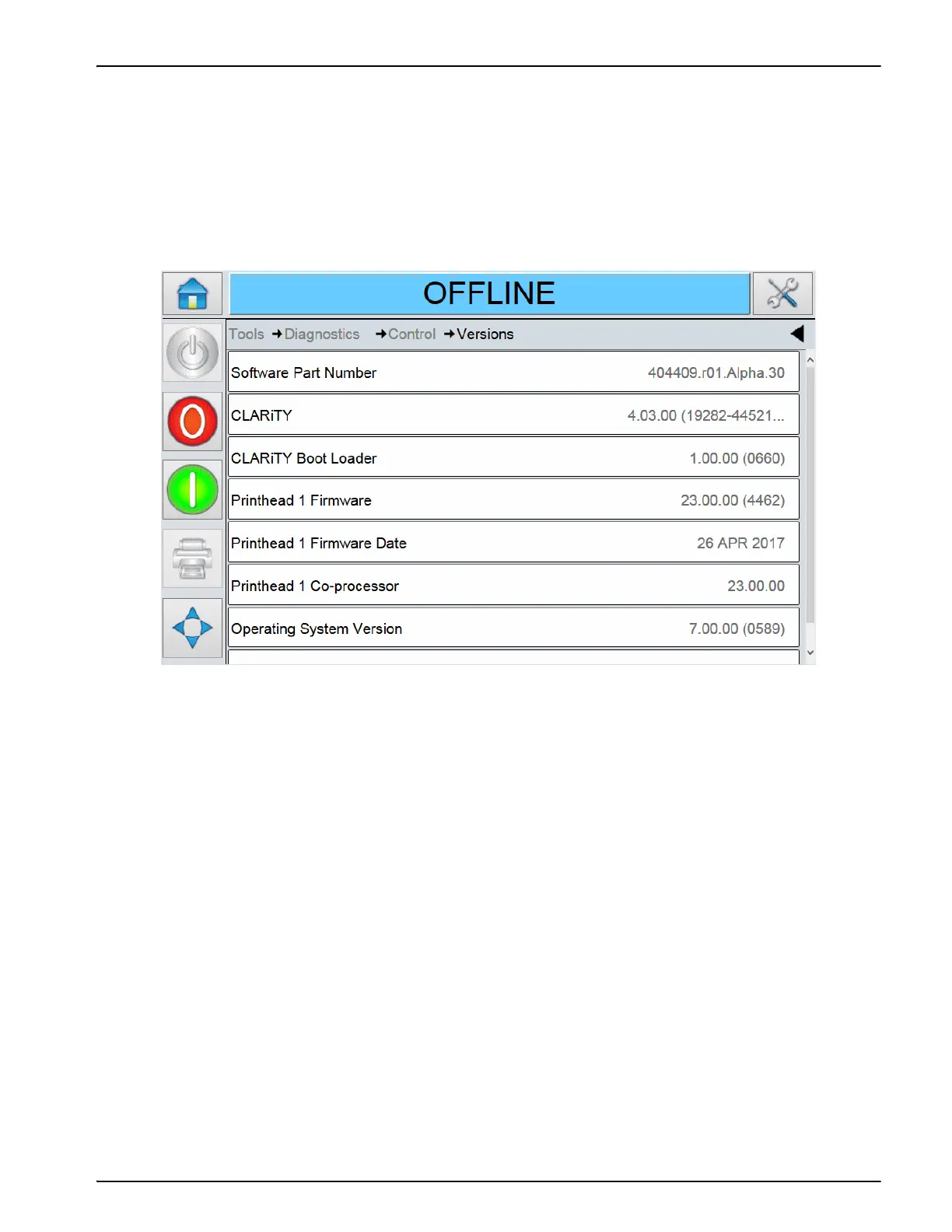
Using the Versions Screen
Touch Versions on the Control screen to view the parameters (Figure 5-24).
Note: If there is any inconsistency among the software components that are installed in the printer, the
Software Part Number displays the message 'Incompatible Software Versions'. If this is seen, a
CLARiTY software update must be performed, otherwise the printer may perform in an
unpredictable manner.
The Versions screen displays the software information for the system and each of the
sub-components.
Figure 5-23: Versions Screen



 To Next Page